
Cross-browser compatibility testing helps find more
Browsers used to drift further apart with every new CSS or JS feature. That's reversed: Safari and Firefox jumped from roughly 45% to 99% parity with Chrome in 2025 alone, as browser makers converge on shared standards. But 99% isn't 100% — the gaps that remain are narrower and easier to miss, which is exactly why testing across all three still matters.
QA Wolf catches cross-browser compatibility problems by mapping your application, writing real test code, and verifying every browser on every deploy. So, you can keep up with the speed of AI-driven development without introducing bugs.
AI Mapping explores your entire app on its own — planning its approach, navigating every page and flow, and mapping 200+ test cases in minutes with zero human intervention.

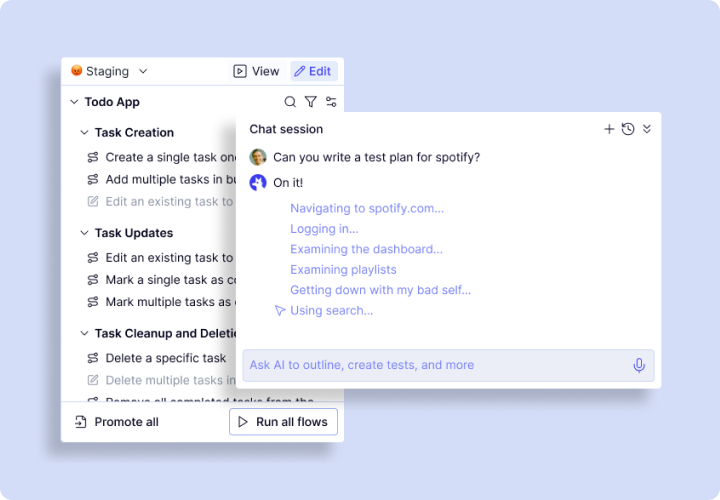
Map: Cross-browser compatibility testing starts with knowing your app
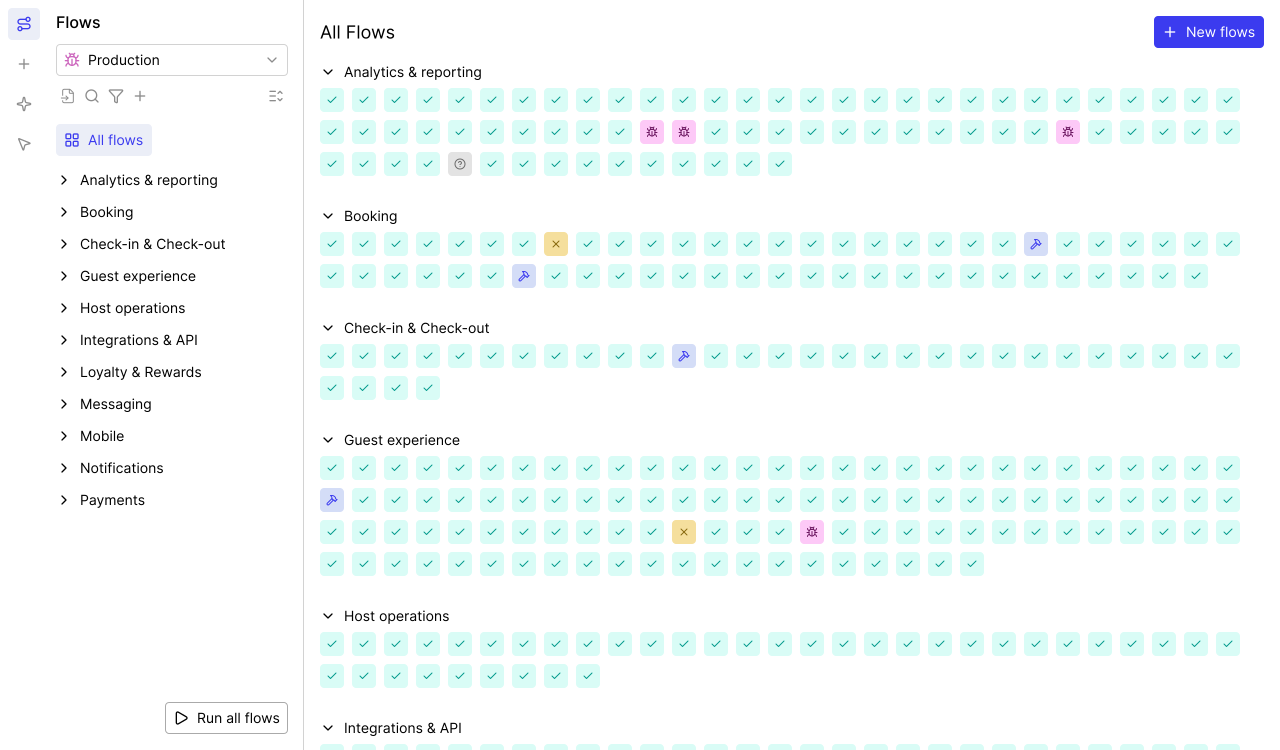
Cross-browser compatibility testing fails when coverage has gaps. We provide comprehensive coverage.
- 200+ test cases in minutes: Builds a complete list of cross-browser compatibility tests.
- Autonomous exploration: Navigates every page, dropdown, and conditional flow.
- Continuous updates: Re-maps tests when your product changes.
- Business logic integration: Tell the agent what assertions matter and more.
- Complete coverage maps: No guesswork — a structured list of every user journey.
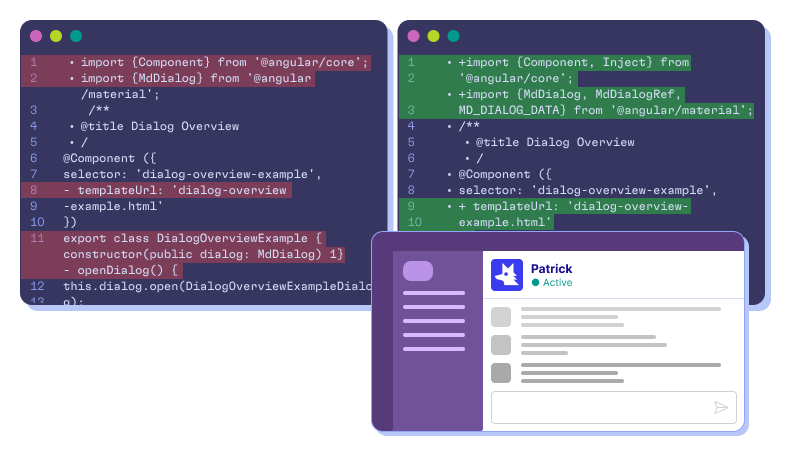
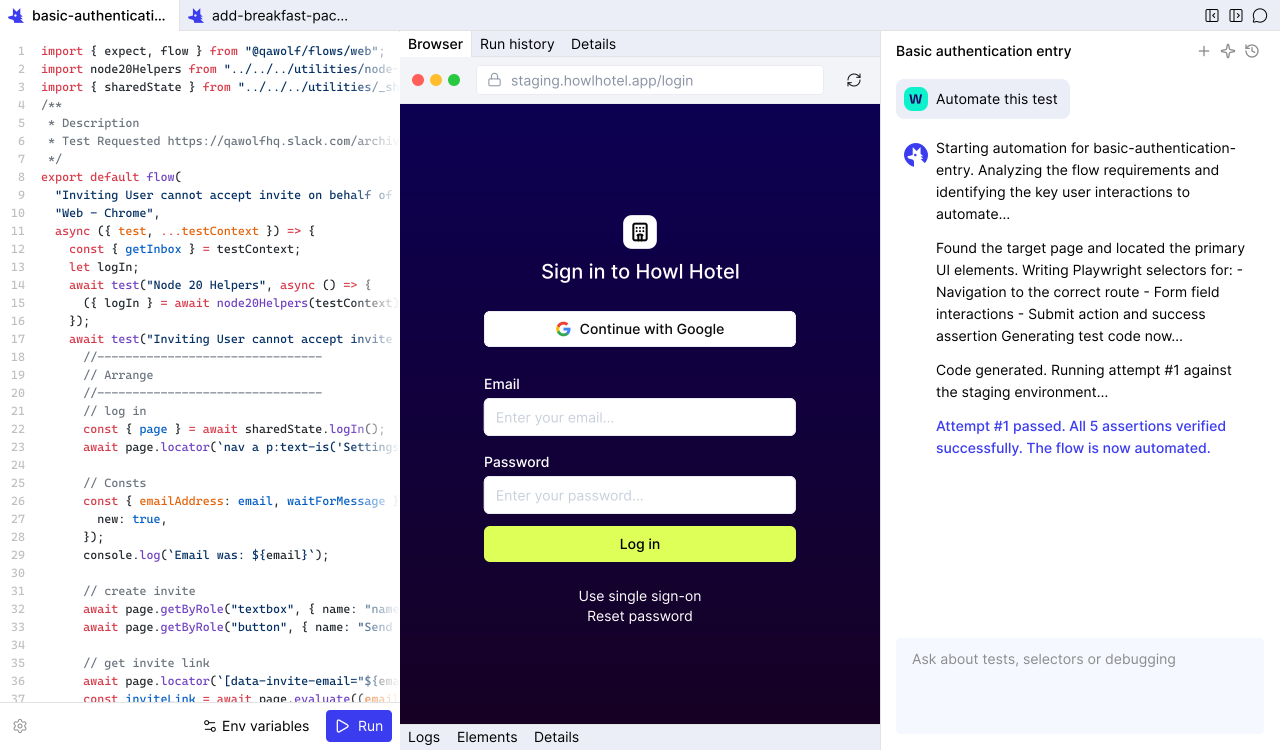
Automate: The cross-browser compatibility testing tools that write real code
Most cross-browser compatibility testing tools record clicks and replay them. That works until your UI changes. QA Wolf writes deterministic code.
- Real Playwright and Appium code (coming soon): Deterministic tests for web and mobile.
- Complex flow support: Multi-user, canvas interactions, drag-and-drop, email/SMS, MCP.
- 12x faster than computer-use: Computer-use agents burn tokens. Code executes fast.
- Conversational automation: Chat to refine steps, add assertions, and configure test data.
- Open-source code in GitHub: Your tests live in your repo. No vendor lock-in.
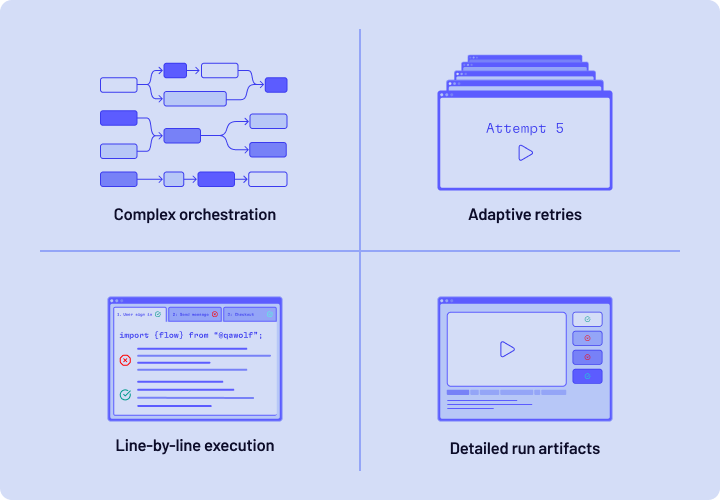
Run: Cross-browser compatibility testing at the speed of your CI pipeline
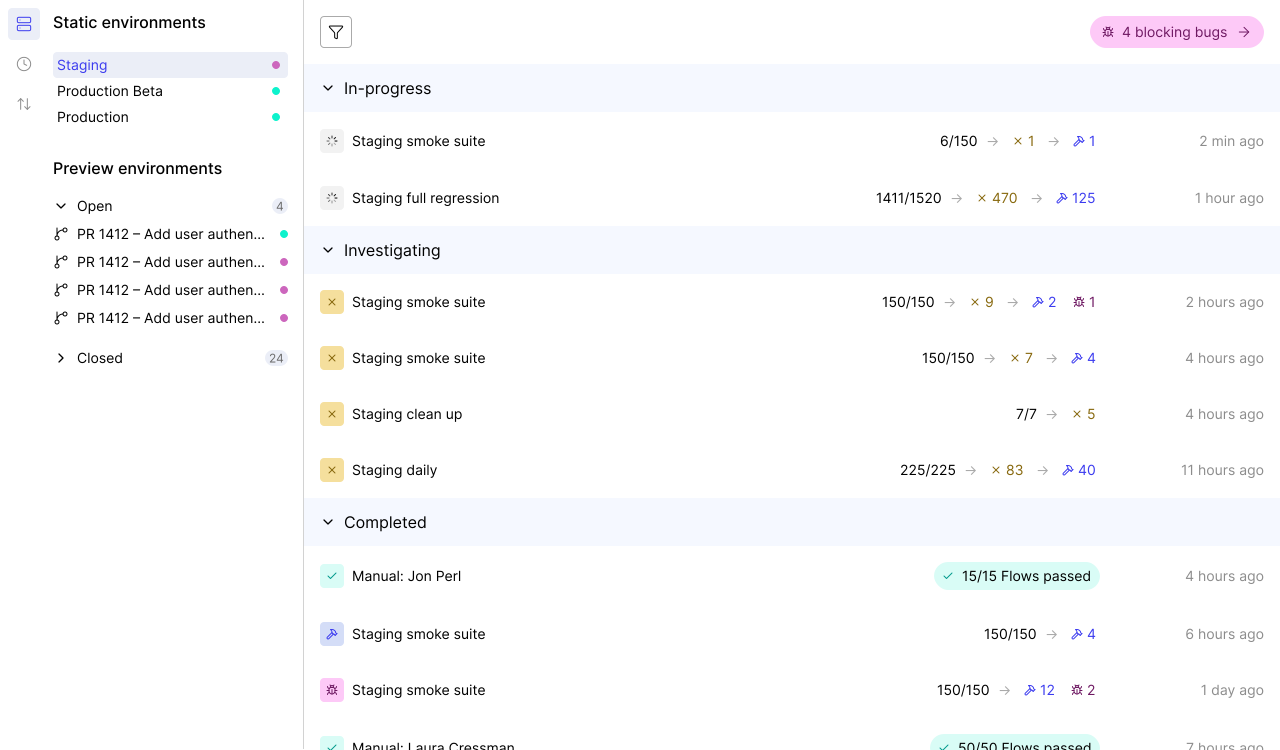
Slow cross-browser compatibility testing blocks deploys. When tests run one browser at a time, a 10-minute suite takes 30 minutes — or longer with retries. QA Wolf runs everything at once.
- Pre-warmed containers: Ready before your deploy triggers, eliminating cold-starts.
- 100% parallel execution: Tests fire across Chrome, Firefox, and WebKit simultaneously.
- Run Rules: DAG-based orchestration coordinates multi-user workflows and shares run artifacts.
- Isolated execution: Dedicated containers per run prevent cross-contamination flakes.
- Full debugging artifacts: Playwright traces, video replays, and network logs.
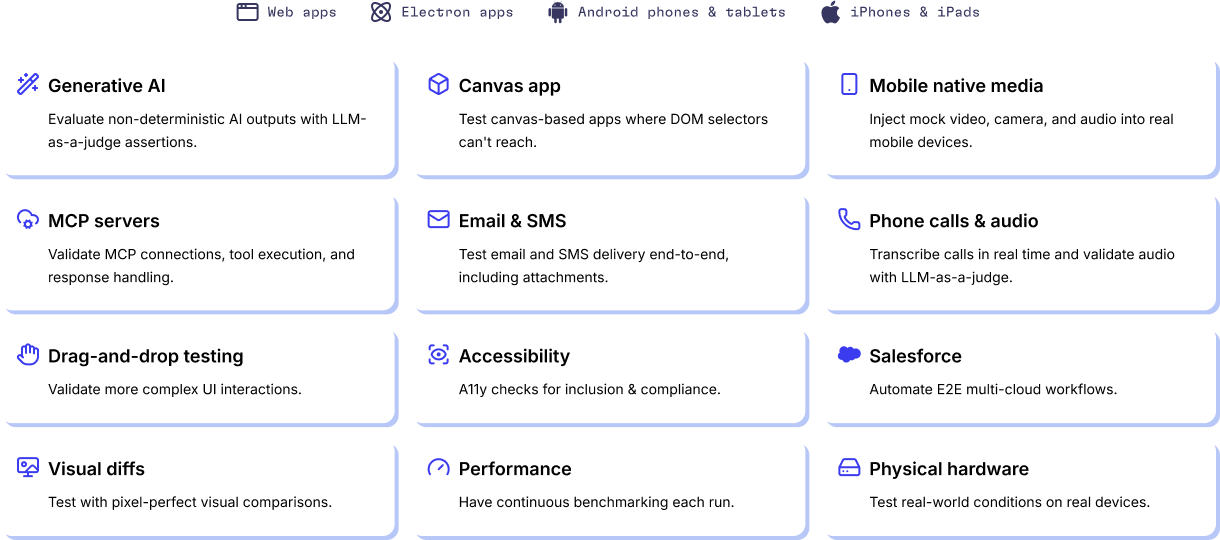
Cross-browser compatibility testing tools designed for complex applications
Newer apps rarely have cross-browser compatibility CSS issues. Legacy apps have them everywhere. QA Wolf handles the workflows that break other cross-browser compatibility testing tools.
- Salesforce and enterprise platforms: Test enterprise UIs that are hard to test.
- Android on GPU emulators: GPU-powered emulation for Android testing.
- Web and Electron: Full cross-browser compatibility testing across desktop browsers and Electron apps.
- APIs and backend: Database seeding, third-party API calls, and webhooks.
- iOS on real devices: Test on a device farm — real iPhones and iPads.
- Feature flags and A/B variants: Validate every variant and flag combination for cross-browser compatibility.
- Email and SMS verification: Multi-factor auth, email triggers, and SMS codes.
- Canvas apps and GenAI outputs: Visual rendering, drag-and-drop, and GenAI output evaluation.
Handle 13x more cross-browser compatibility tests per engineer
Engineers using QA Wolf manage 13x more tests than teams running cross-browser compatibility testing with other tools.
- More multi-user scenarios.
- More CSS and rendering edge cases caught.
- More releases.
An AI Engine designed from the ground up for QA
You’ll get the results you’re after — we guarantee it.






Frequently Asked Questions
Cross-browser compatibility testing verifies that your web application looks and functions the same across different browsers. A page that renders correctly in Chrome might display broken layouts in Firefox or Safari. Cross-browser compatibility testing catches those discrepancies before they reach production. QA Wolf automates this process by generating Playwright tests that run across all three engines simultaneously on every deploy.
Start by identifying the exact CSS properties causing the problem — common culprits include flexbox gaps, grid layouts, backdrop-filter, and custom font rendering. Use browser developer tools to inspect computed styles in each browser. Then apply targeted fixes: vendor prefixes for properties that need them, fallback values for unsupported features, and normalize or reset stylesheets to reduce baseline differences. QA Wolf's cross-browser compatibility testing catches CSS regressions.
Cross-browser compatibility testing tools are software that helps verify whether your application works correctly across multiple browsers. They range from open-source frameworks like Playwright and Selenium to commercial platforms that manage infrastructure and test execution. QA Wolf combines AI-generated Playwright code with 100% parallel execution on isolated, pre-warmed containers — giving teams the speed and reliability that standalone frameworks and legacy cloud grids don't provide.
CSS renders differently across-browsers because each browser engine — Blink (Chrome, Edge), Gecko (Firefox), and WebKit (Safari) — implements CSS specifications independently. They may support different subsets of the spec, apply default styles differently, or handle edge cases in layout algorithms (like flexbox or grid) in their own way. Font rendering, sub-pixel rounding, and animation timing also vary. This means the same CSS code can produce visually different results depending on the browser. Cross-browser compatibility testing catches these variations before users encounter them.