
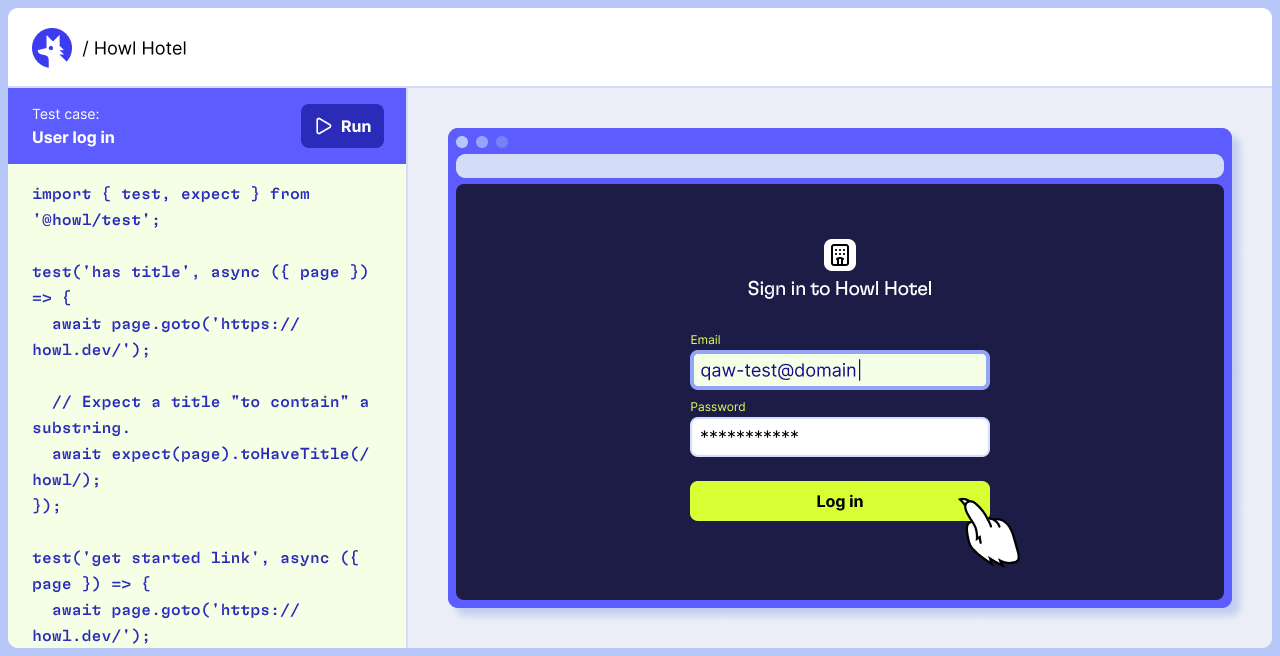
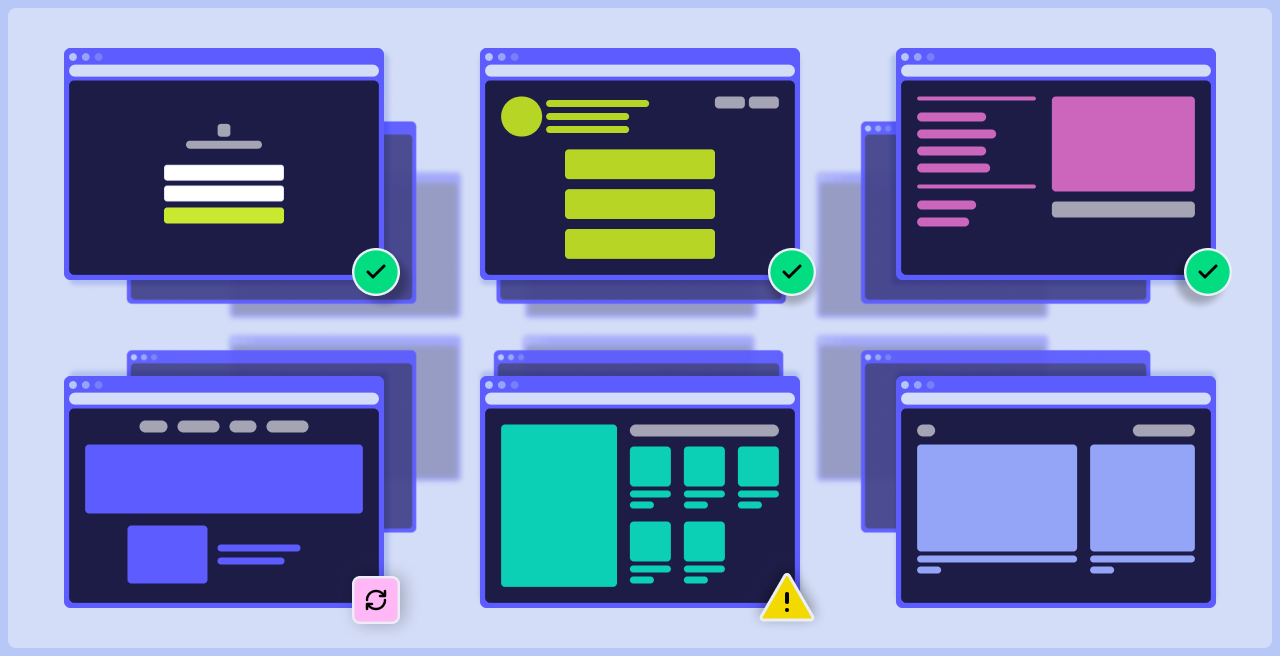
A browser-based workspace for test authoring, coupled with isolated execution environments that prevent collisions and eliminate flakes caused by shared resources.

Testing environments for any application
High-resource, containerized environments that prevent collisions and eliminate flakes caused by shared resources.

Real iPhones and iPads
Fully-parallel Android emulators

Unlimited concurrent browsers
The new standard for testing infrastructure
Built-in tools that prevent flakes, simplify maintenance, and keep tests ready to run without constant babysitting.
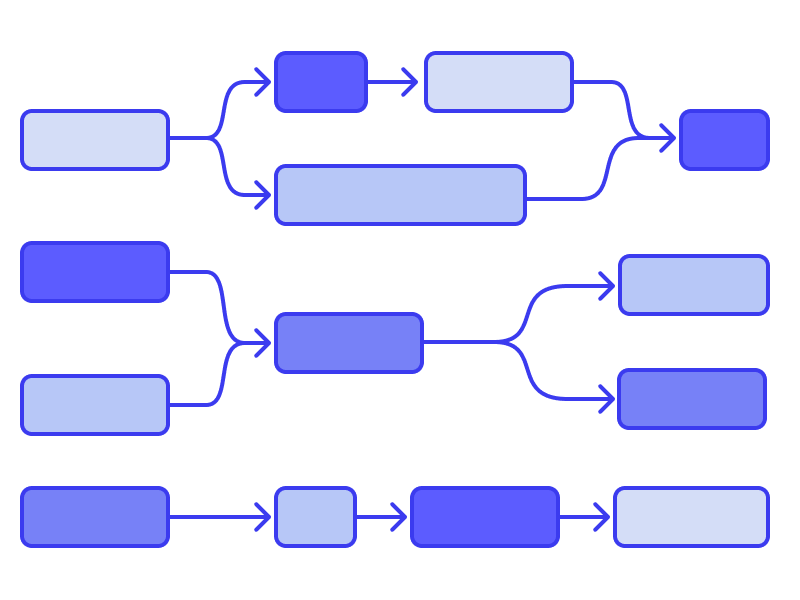
Complex orchestration
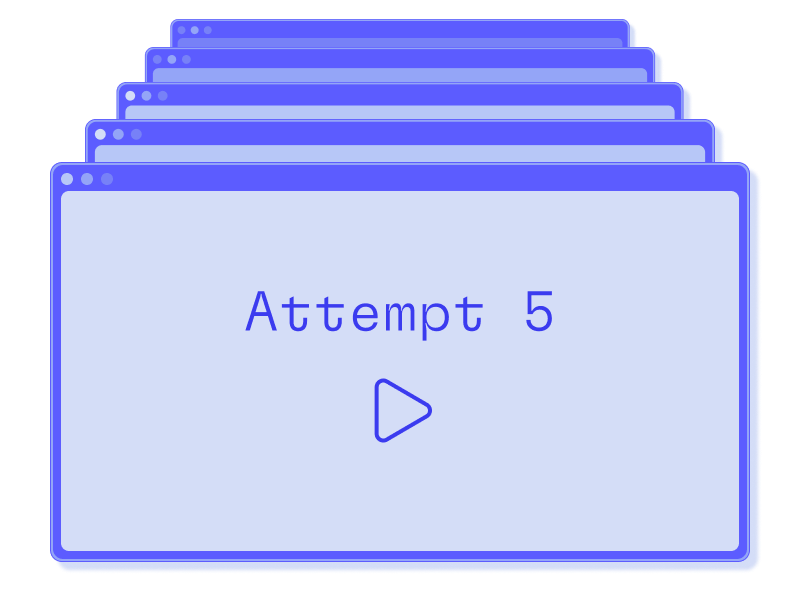
Adaptive retries
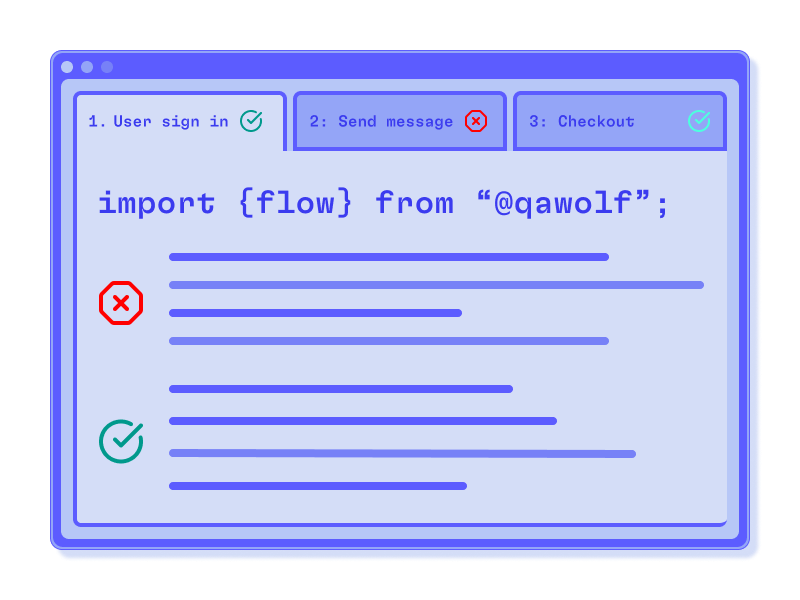
Line-by-line execution

Detailed run artifacts
Playwright and Appium extensions for complex tests
Test helpers that extend Playwright and Appium's core functionality, making it easy to build complex test cases.
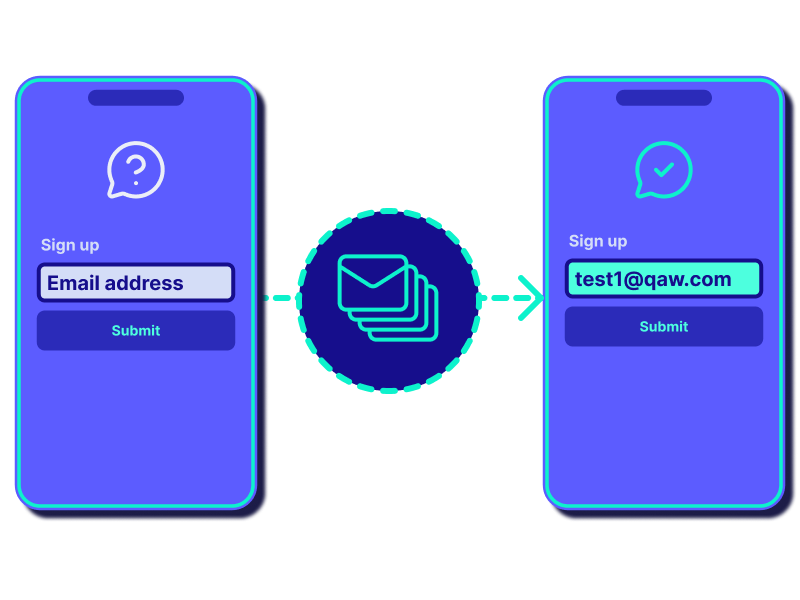
Email & SMS inboxes

Visual baselines
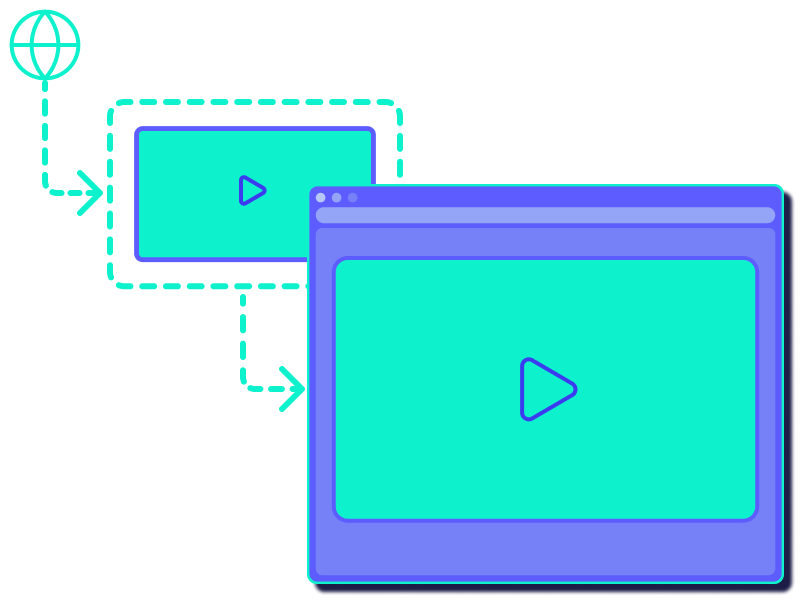
Media injection
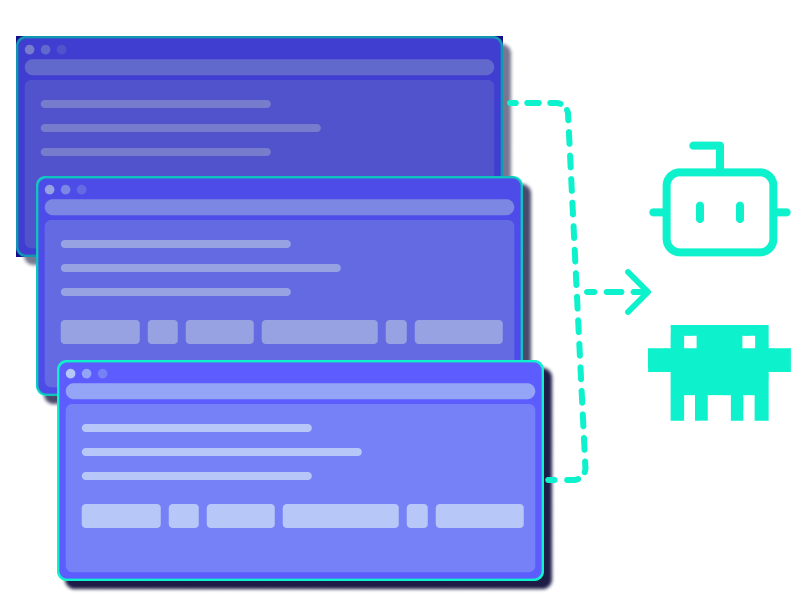
AI-based assertions
Frequently Asked Questions
Nope! That’s the magic of our infrastructure — it’s all included out of the box. Our runners can be triggered from CI, scheduled to run, or run on demand. All you need to bring is the app that needs testing.
Instead of stacking tests on the same VM, QA Wolf spins up an ephemeral, high-resource container for each run. Reusing a versioned container build—and starting a fresh container on every retry—keeps environments clean, prevents collisions, and makes performance predictable.
Pre-provisioned browsers and environments are always ready. When you trigger a run, tests bind to a warm container in milliseconds. The pool auto-expands with load and is refreshed on a rolling schedule, keeping startup times short, even at peak traffic.
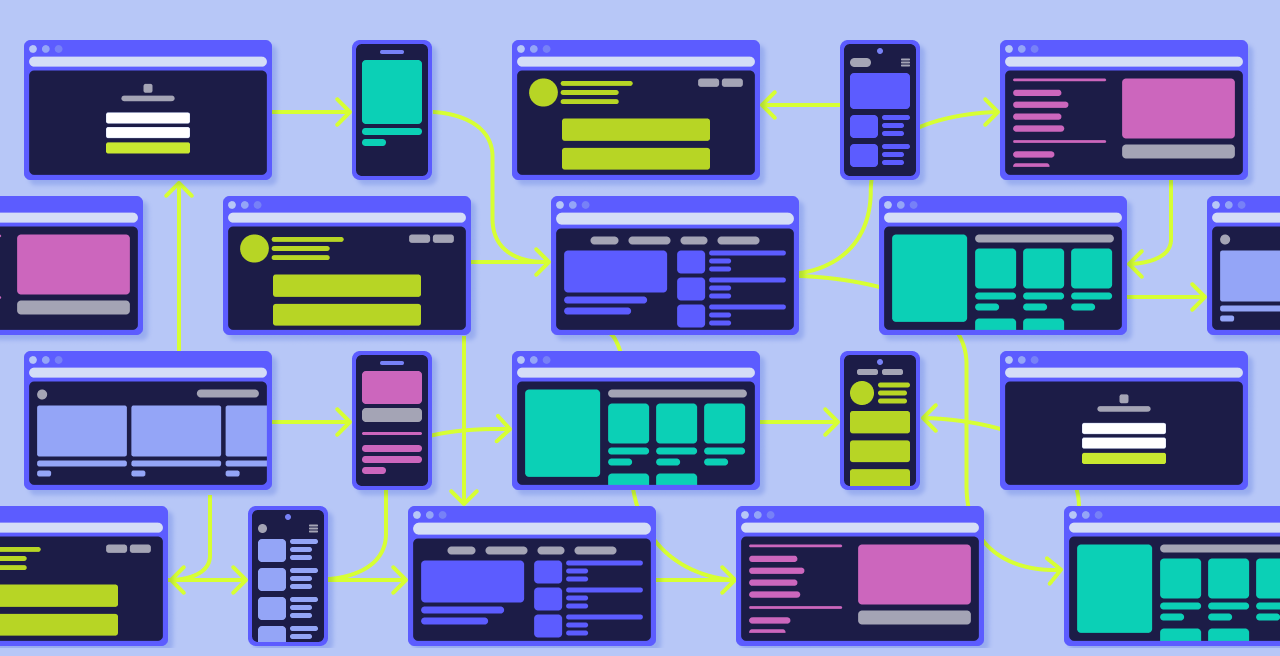
Yes. Through the QA Wolf platform you indicate what runs first, what runs next, and which steps can run together—the platform builds the underlying DAG automatically. The runtime executes that plan while the Console shows live progress, retries, and timeouts. It handles sequencing and safe parallelism out of the box, including multi-user and cross-device flows without requiring custom scripting or fragile CI wiring.
Yes. Tests can be configured to run on Chrome, Firefox, or WebKit (Safari), and the viewport can be set for responsive layouts or mobile-web applications.
Yes. We use WebRTC to render the remote test browser directly in the Console with sub-second latency. You can intervene mid-run to retry a step, adjust an input, or probe a flaky selector—and the AI agent can do the same. The result is quicker triage, clearer shared context for non-technical teammates, and shorter paths from failure to fix.
Every run includes a unified, time-aligned record of the test with video, logs, traces, network requests, and system state. The AI can automatically generate and assign a bug report with a link to all the necessary artifacts for QA, devs, and PMs.
Genuine, bona fide, electrified iPhones and iPads — owned and managed by QA Wolf in our device farm. Only real devices provide the real-world fidelity that testers need.
Yes. We have custom Appium extensions that enable complex test cases with biometrics, app backgrounding, sensors, and radios.
Tests begin in the right state every time, so you aren’t tapping through prompts or chasing setup drift. An on-device WebDriver client installs builds, applies permissions, and sets required system options up front—then resets after. The result is true-to-life tests that start faster and stay repeatable across teammates and CI.
Pre-provisioned browsers and environments are always ready. When you trigger a run, tests bind to a warm container in milliseconds. The pool auto-expands with load and is refreshed on a rolling schedule, keeping startup times short, even at peak traffic.
Any combination of Android devices and OS versions can be added to QA Wolf’s emulator configurator, and then selected by the tester through the platform. Real devices coming soon.