
Why you should cross-browser test
Firefox handles JavaScript events differently. Safari's WebKit engine renders CSS its own way. When your cross-browser test coverage is thin — or nonexistent — these differences reach production as bugs your team has to hotfix under pressure.
QA Wolf gives you a cross-browser test for every user journey, on every browser, on every deploy. So, you can ship fast… and clean.
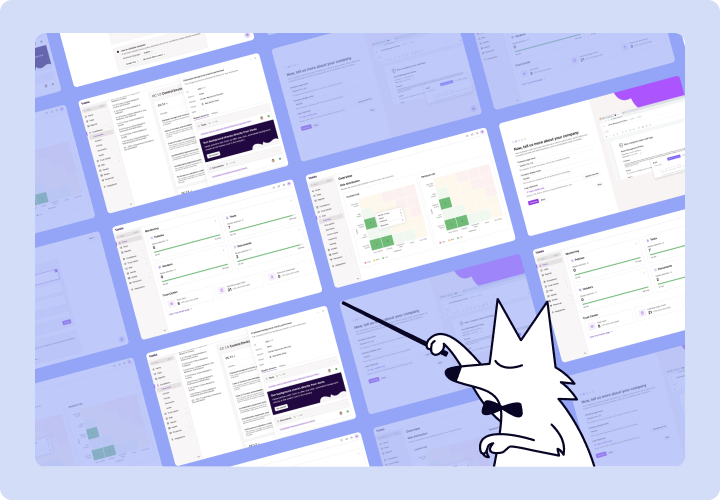
AI Mapping explores your entire app on its own — planning its approach, navigating every page and flow, and mapping 200+ test cases in minutes with zero human intervention.

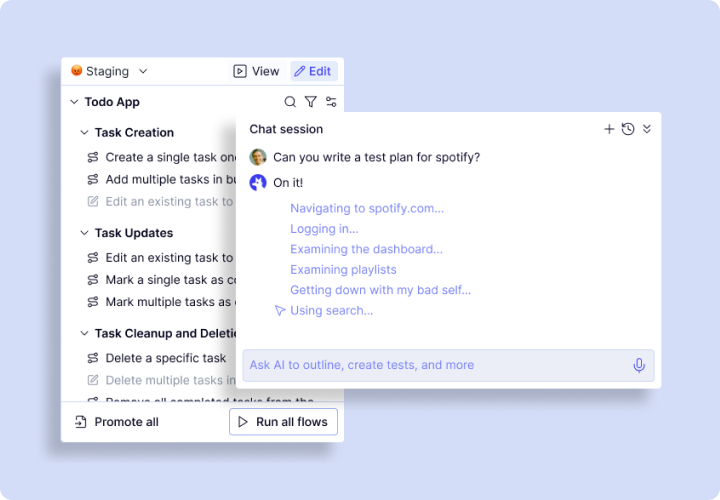
Map: A cross-browser test tool that finds what to test
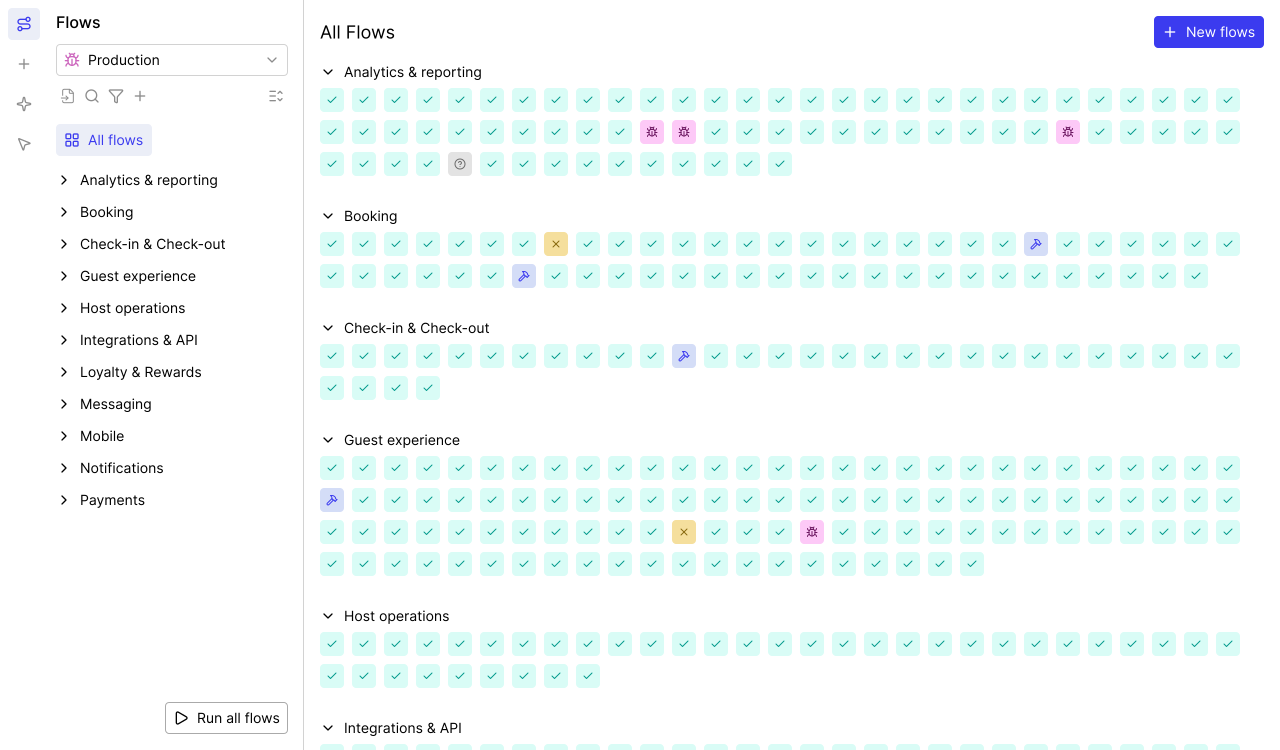
A cross-browser test is only as good as its coverage. Miss a workflow, and the browser-specific bug hiding in it ships to production.
- Autonomous exploration: Crawls every page, form, modal, and conditional path.
- 200+ test cases in minutes: Builds your full cross-browser test map.
- Continuous re-mapping: After changes, your cross-browser test coverage updates.
- Complete coverage maps: A structured inventory of every testable user journey.
- Business logic conversations: The agent translates chats into assertions and coverage rules.
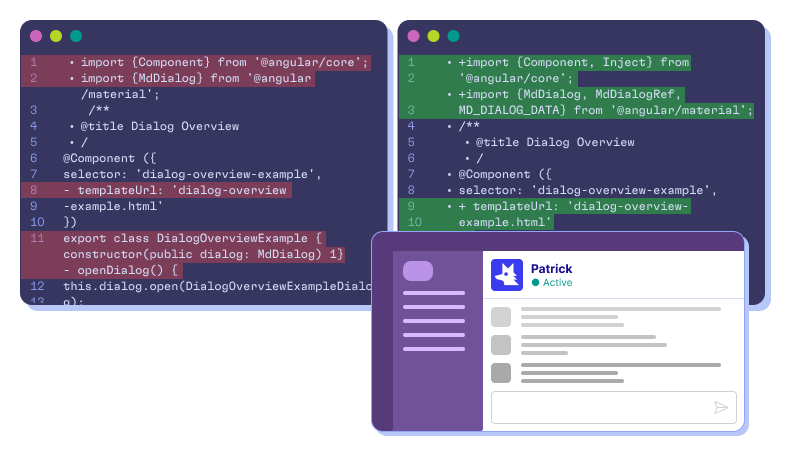
Automate: The cross-browser test tool that writes real code
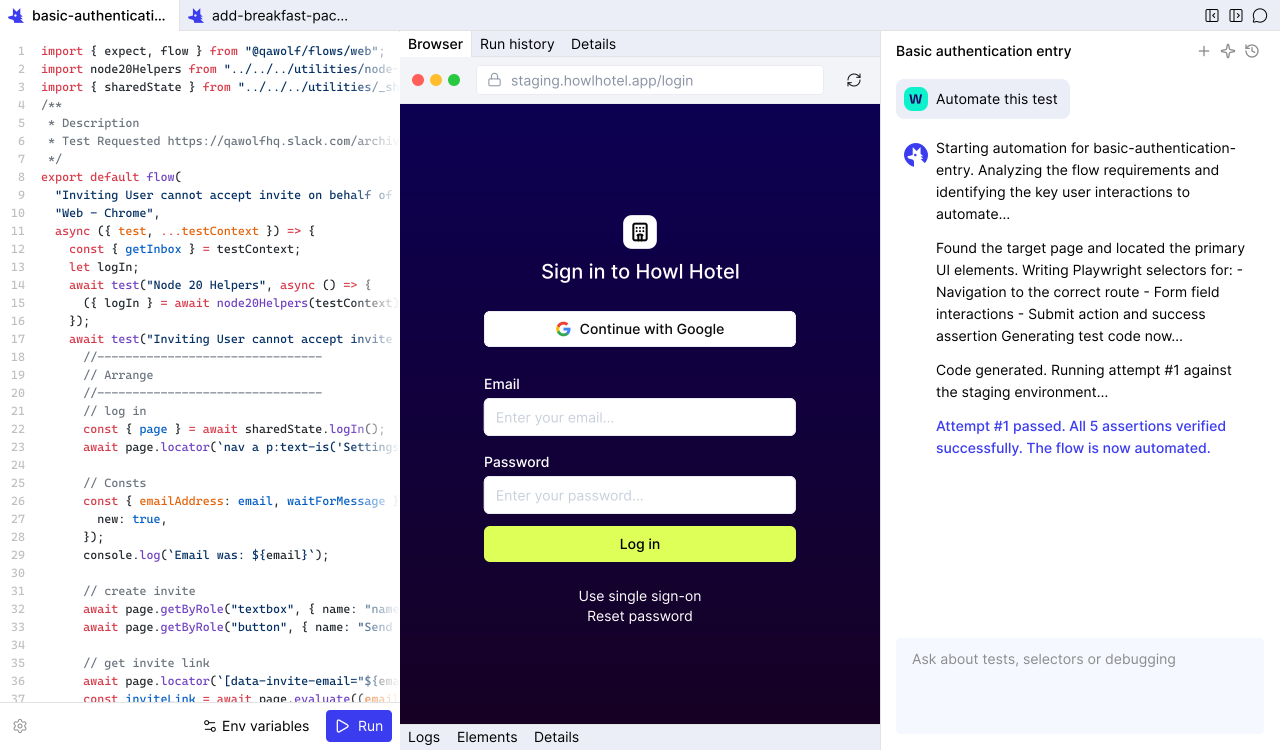
Most cross-browser test tools rely on screen recording or computer-use agents that misinterpret UI changes. QA Wolf generates deterministic code instead.
- Open-source code in GitHub: Tests live in your repo. No proprietary format, no lock-in.
- 12x faster than computer-use: Code runs in milliseconds and completes fast.
- Real Playwright and Appium code (coming soon): Clean deterministic test code.
- Conversational refinement: Describe what to change and the agent updates the code.
- Complex flow support: Canvas, drag-and-drop, email/SMS, multi-user, and MCP.
Run: Execute your cross-browser test suite at full speed
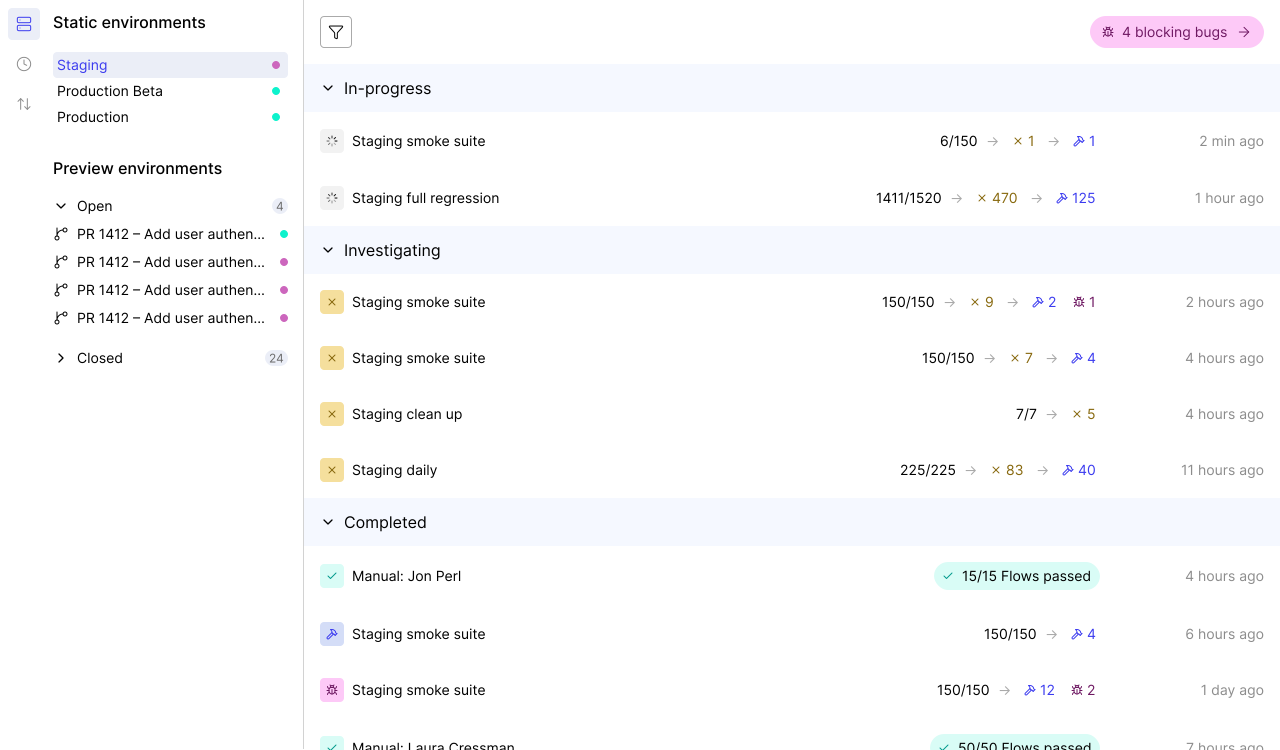
A cross-browser test suite that runs sequentially takes many times longer than it should. QA Wolf eliminates the queue.
- Full debugging artifacts: Video replays, Playwright traces, and network logs.
- Run Rules: DAG-based orchestration lets tests share artifacts and coordinate multi-user scenarios.
- 100% parallel execution: Every cross-browser test fires simultaneously across-browsers.
- Isolated containers: Dedicated resources per run — no shared state, fewer flakes.
- Pre-warmed containers: Infrastructure stands ready before your deploy triggers.
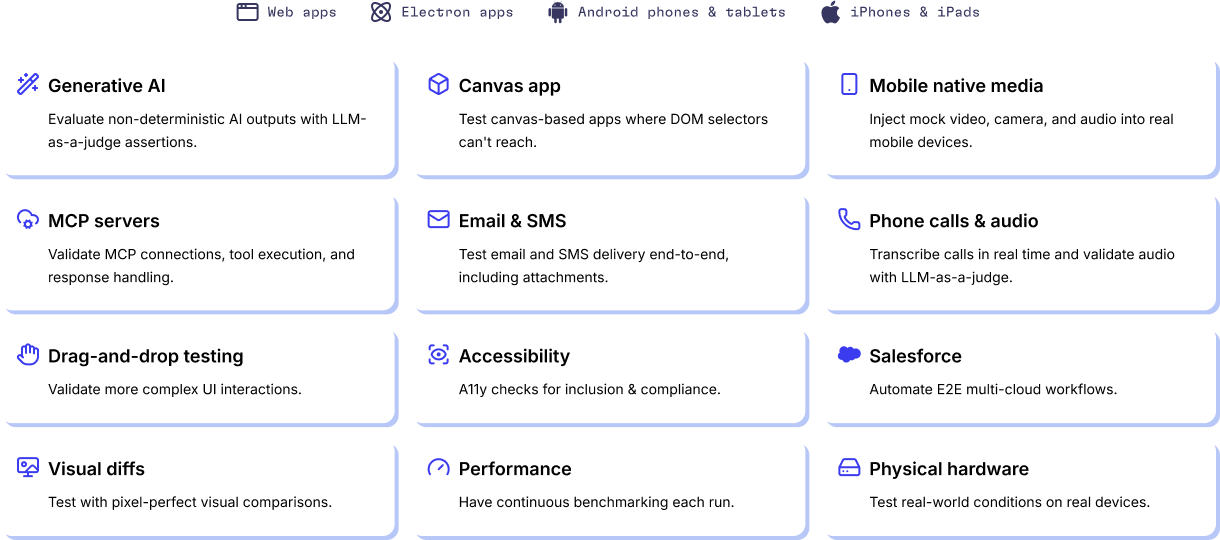
A cross-browser test tool built for the apps others can't handle
Off-the-shelf cross-browser test tools work fine for simple apps. Complex applications — multi-user flows, enterprise platforms, native device features — break them. QA Wolf handles everything.
- Email and SMS verification: Multi-factor auth flows, email triggers, and SMS.
- Salesforce and enterprise UIs: Run a cross-browser test against enterprise interfaces.
- Feature flags and A/B variants: Test every flag and variant combination.
- Web and Electron: Desktop browsers and Electron apps in one cross-browser test tool.
- APIs and integrations: Database seeding, third-party API calls, and webhooks.
- Canvas apps and GenAI: Visual rendering, drag-and-drop, and GenAI output.
- iOS on real devices: QA Wolf's own device farm with real iPhones and iPads.
- Android on GPU emulators: GPU-powered emulation for Android cross-browser tests.
Run 13x more cross-browser tests per engineer
Engineers on QA Wolf manage 13x the cross-browser test volume compared to teams on legacy automation setups.
- Edge cases caught
- More multi-user coverage
- More frequent releases
An AI Engine designed from the ground up for QA
You’ll get the results you’re after — we guarantee it.






Frequently Asked Questions
A cross-browser test checks that your web application behaves correctly in multiple browsers. Chrome, Firefox, and Safari each use different engines to render pages — Blink, Gecko, and WebKit — and they interpret HTML, CSS, and JavaScript in their own ways. A cross-browser test catches the differences that would otherwise reach users as broken layouts, missing functionality, or inconsistent behavior. QA Wolf automates this by generating Playwright code that runs the same test in all three engines simultaneously, with full tracing and video replay on every result.
Write or generate your test in a framework that supports multiple browser engines. Playwright is the strongest option because it covers Chromium, Firefox, and Safari WebKit from a single API. Configure your test runner to execute against each engine, then review the results for divergences. QA Wolf eliminates the manual setup: AI generates the Playwright code from a natural-language description of your workflow, then runs the cross-browser test on pre-warmed, isolated containers in parallel — results land in minutes, not hours.
A cross-browser test tool automates the process of verifying your application across multiple browsers. At minimum, it provides a way to execute tests against different browser engines and compare results. Advanced cross-browser test tools like QA Wolf go further — AI maps your application to identify what to test, generates Playwright code for each workflow, runs everything 100% in parallel on isolated infrastructure, and delivers full debugging artifacts (video replay, Playwright traces, network logs) for every failing test. The result is a cross-browser test suite that runs on every deploy without requiring manual effort.