
Cross-browser and device testing is important
Your application runs on phones, tablets, and desktops — each with its own browser engine, viewport, and quirks. A workflow that passes on desktop Chrome can fail on mobile Safari because of touch event differences or viewport constraints. Running cross-browser and cross device testing manually across every combination is not sustainable.
QA Wolf solves this by mapping, automating, and executing cross device testing alongside cross-browser testing in a unified system. So, you can keep up with the speed of AI-driven development – and ship quality code.
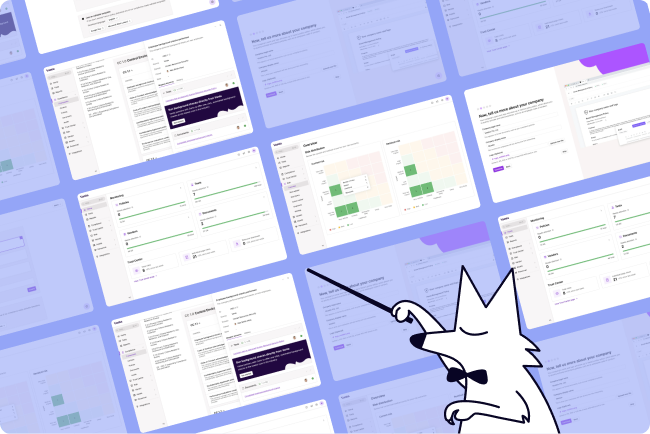
AI Mapping explores your entire app on its own — planning its approach, navigating every page and flow, and mapping 200+ test cases in minutes with zero human intervention.

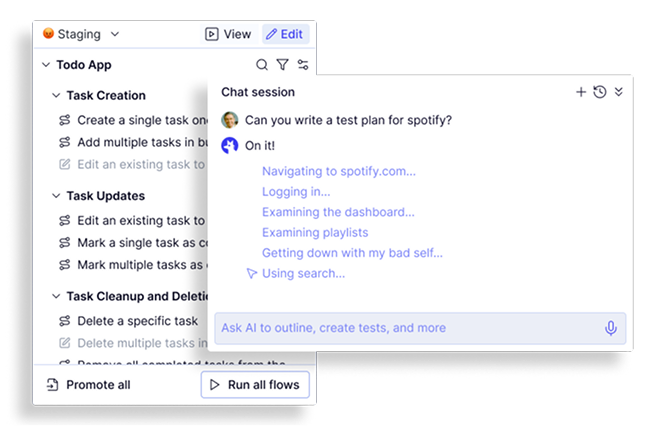
Map: Cross device testing starts with knowing what to cover
Cross-browser and device testing coverage gaps happen when teams guess which flows matter. QA Wolf eliminates guesswork.
- Complete coverage maps: Generates a structured inventory of every testable workflow.
- Business logic integration: Chat with the agent to specify assertions and explain your app's behavior on different devices.
- Continuous updates: Coverage maps refresh automatically as your app changes.
- Autonomous exploration: Crawls your app end-to-end, identifying every journey.
- 200+ test cases in minutes: Surfaces the full scope of your cross-browser and device testing.
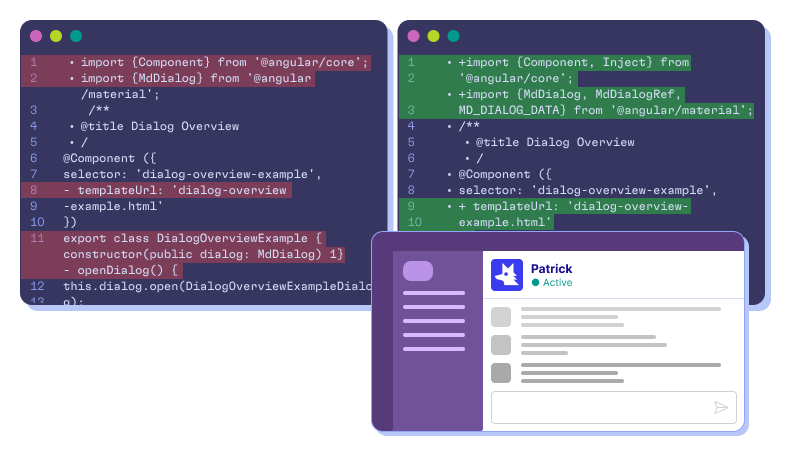
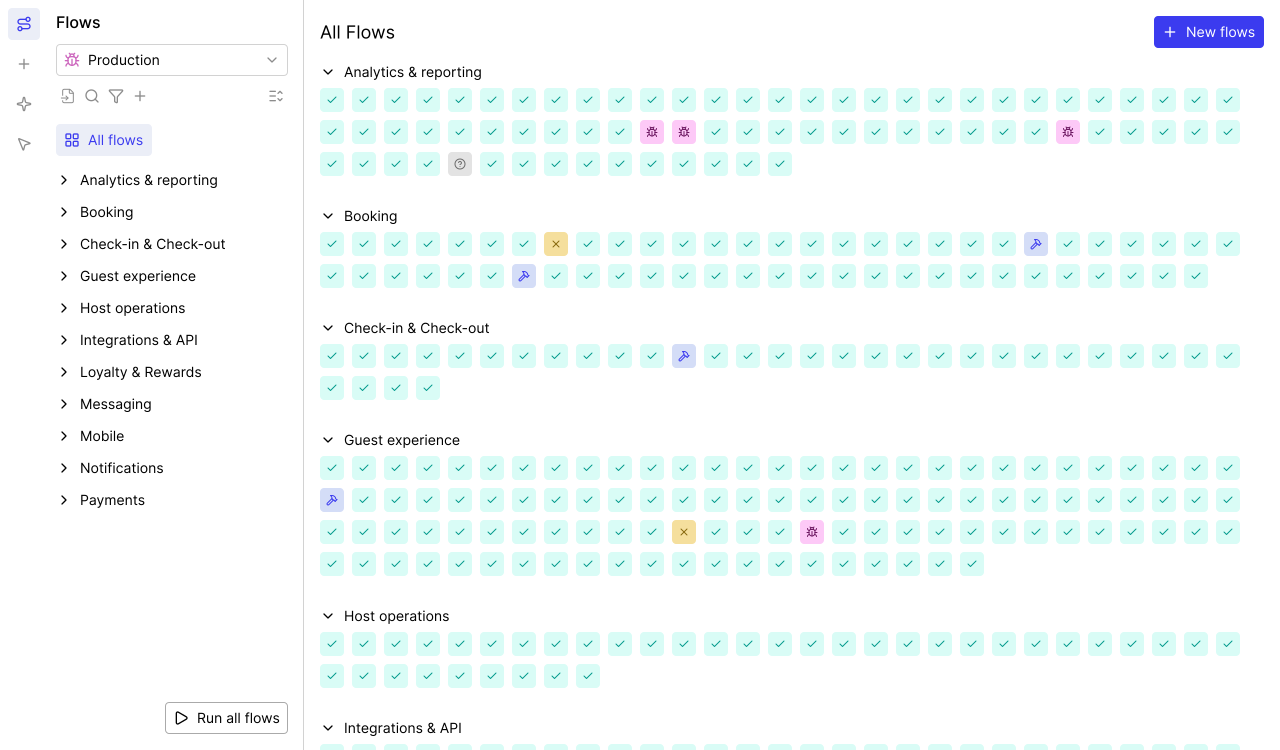
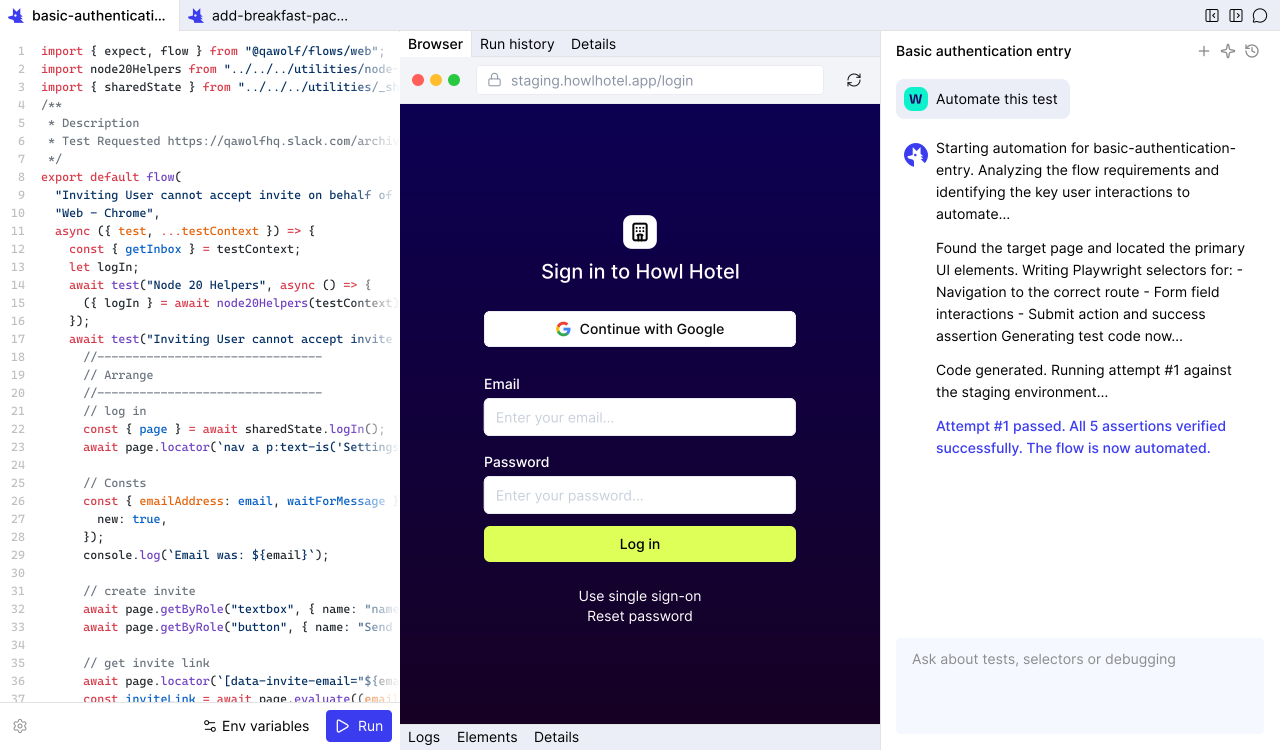
Automate: Cross-browser and cross device testing with real code
Recorded scripts and computer-use agents break on complex device interactions. QA Wolf writes actual code – the foundation of reliable cross device testing.
- Complex flow support: Canvas rendering, drag-and-drop, email/SMS, multi-user, MCP.
- Real Playwright and Appium code (coming soon): Deterministic and readable.
- Conversational automation: Refine, add assertions, or configure test data via chat.
- 12x faster than computer-use: Code executes faster than agents.
- Open-source code in GitHub: Full ownership, no vendor lock-in.
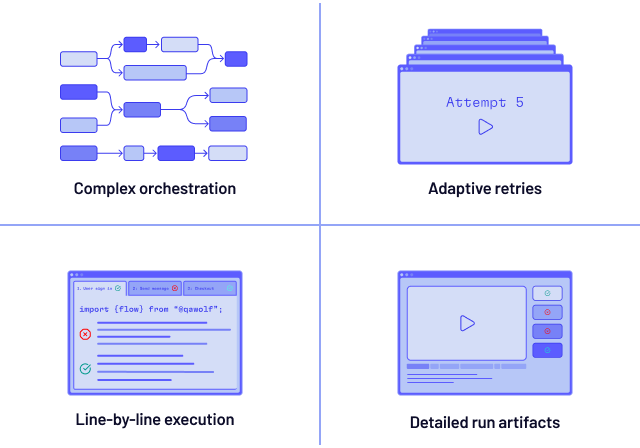
Run: Cross-browser device testing infrastructure built for speed
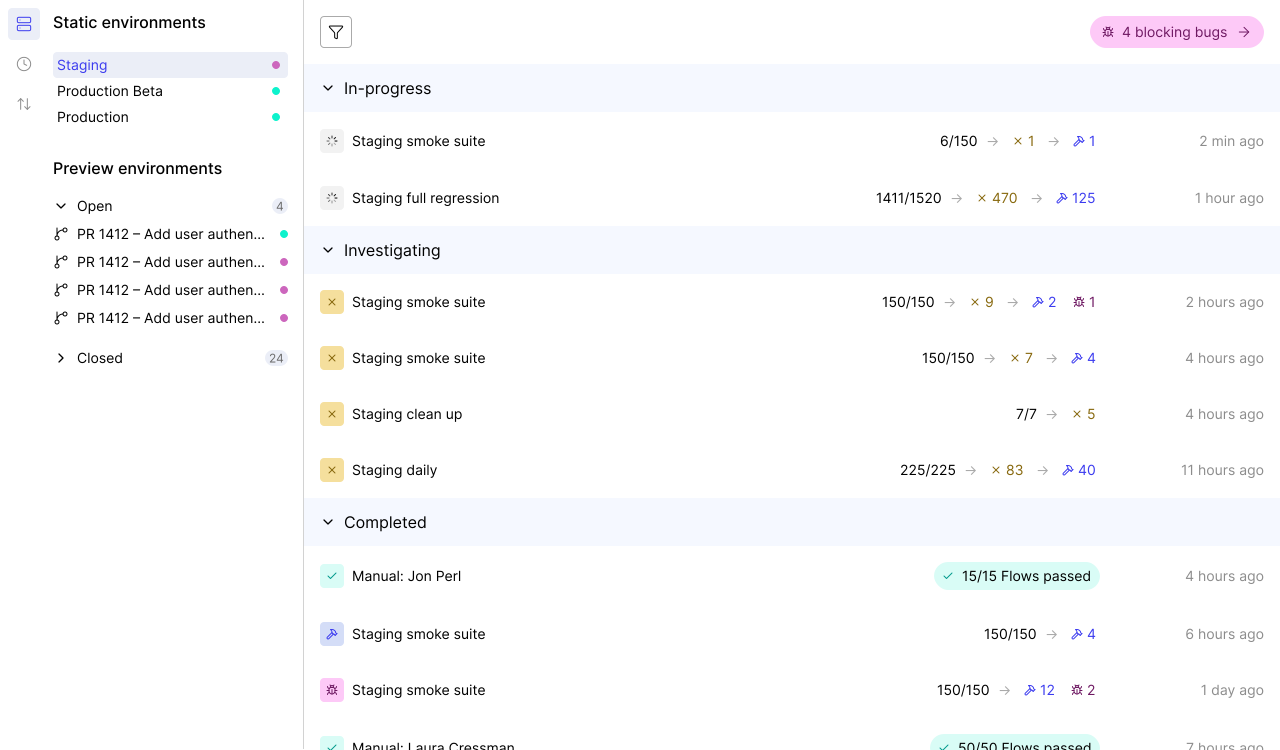
Sequential cross device testing turns a quick check into an all-day wait. QA Wolf runs every test across every browser and device at the same time.
- Isolated execution: Tests run in their own container — fewer flakes.
- Full debugging artifacts: Playwright traces, video replays, and network logs
- 100% parallel execution: Chrome, Firefox, WebKit tests all fire simultaneously.
- Run Rules: DAG-based orchestration lets tests share artifacts and coordinate workflows.
- Pre-warmed containers: Pre-warmed containers and devices eliminate startup delays.
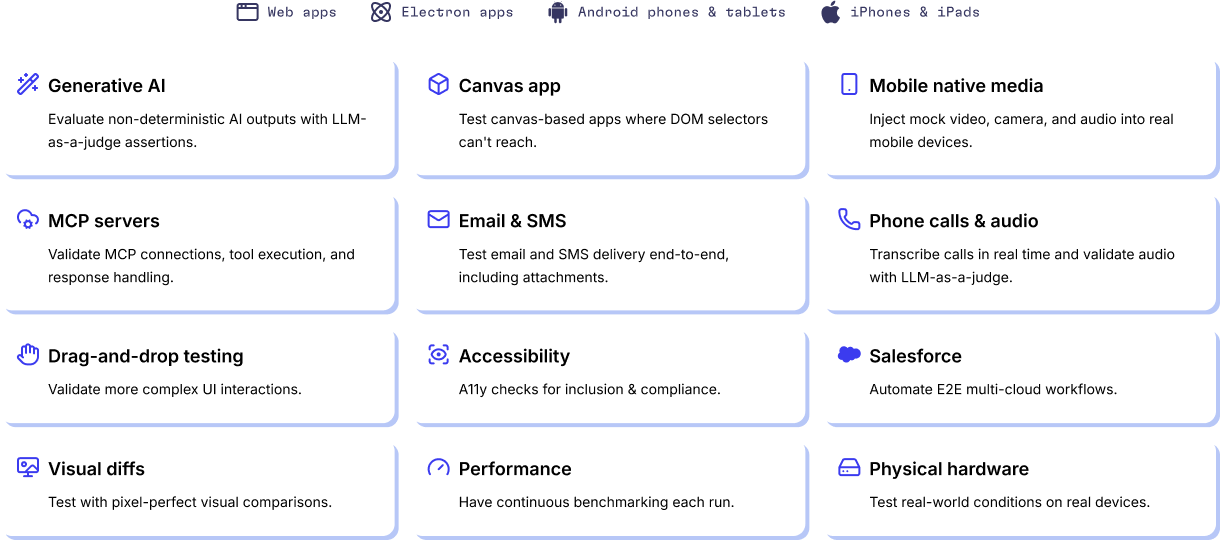
Cross device testing for the apps other tools cannot handle
Most cross device testing tools give up when your app goes beyond a standard web form. QA Wolf handles the hard stuff.
- Android on GPU emulators: GPU-powered emulation for fast, accurate Android tests.
- Salesforce and enterprise platforms: Test enterprise UIs.
- APIs and backend integrations: Database seeding, API calls, and webhooks.
- Canvas apps and GenAI output evaluation: Validate visual rendering, drag-and-drop, and GenAI outputs.
- iOS on real devices: Our own device farm — real iPhones and iPads.
- Web and Electron: Full coverage across desktop browsers and Electron applications.
- Feature flags and A/B variants: Test every variant and flag combination.
- Email and SMS verification: Multi-factor auth, email triggers, and SMS codes.
Manage 13x more cross device testing with QA Wolf
Engineers equipped with QA Wolf manage 13x more tests than teams doing cross-browser and device testing with older tools.
- More multi-user tests.
- More releases.
- More edge cases.
An AI Engine designed from the ground up for QA
You’ll get the results you’re after — we guarantee it.






Frequently Asked Questions
Cross device testing verifies that your application works correctly across different hardware — phones, tablets, desktops — and the browsers installed on each. It goes beyond checking rendering on a single screen size. Touch events, viewport behavior, scroll physics, and hardware-specific features like cameras and Bluetooth all differ across devices. QA Wolf covers cross device testing by running real Playwright code on desktop browsers (Chrome, Firefox, WebKit), real iPhones and iPads from its own device farm, and Android through GPU-powered emulators — all from a single platform.
Browser-only testing validates rendering and JavaScript behavior across Chrome, Firefox, and Safari on a single device type — usually desktop. Cross-browser and device testing adds the hardware dimension: different screen sizes, input methods (touch vs mouse), mobile-specific APIs, and OS-level behaviors that do not exist on desktop. A form that works in desktop Chrome can fail in mobile Safari because of virtual keyboard handling or viewport resizing. QA Wolf unifies both dimensions so you run cross-browser and cross device testing from the same suite, on the same infrastructure, with the same Playwright and Appium code.
Check your analytics. For most applications, desktop Chrome, Firefox, and Safari cover the majority of browser traffic. On mobile, iOS Safari and Android Chrome are the two that matter most. If your product has a tablet-specific layout, include iPad and Android tablet viewports. Enterprise teams should consider Electron if they ship desktop applications. QA Wolf supports all of these: Chrome, Firefox, and WebKit on desktop, real iOS devices on its own farm, and Android on GPU-powered emulators. The key is testing on actual hardware (or faithful emulation) — not just resizing a browser window.
Start with a code-based framework. Playwright handles Chrome, Firefox, and WebKit natively. Appium covers iOS and Android. QA Wolf's Automation AI writes both — describe a workflow in plain language and the agent produces real, portable code. That code runs in parallel across every target browser and device on QA Wolf's infrastructure, with full video replays, Playwright traces, and network logs for debugging. This is 12x faster and more reliable than computer-use agents that interpret screenshots one device at a time.