
Why you need to test a website in different browsers
Browsers do not agree on how to render your CSS, handle JavaScript, or process user input. A workflow that passes in Chrome can break in Firefox or fail silently in WebKit. Teams that skip testing browser compatibility could ship bugs to a significant chunk of their user base.
QA Wolf eliminates this problem by combining AI coverage mapping, code generation, and parallel execution so you can test your website in browsers on every deploy. Ship fast without affecting quality.
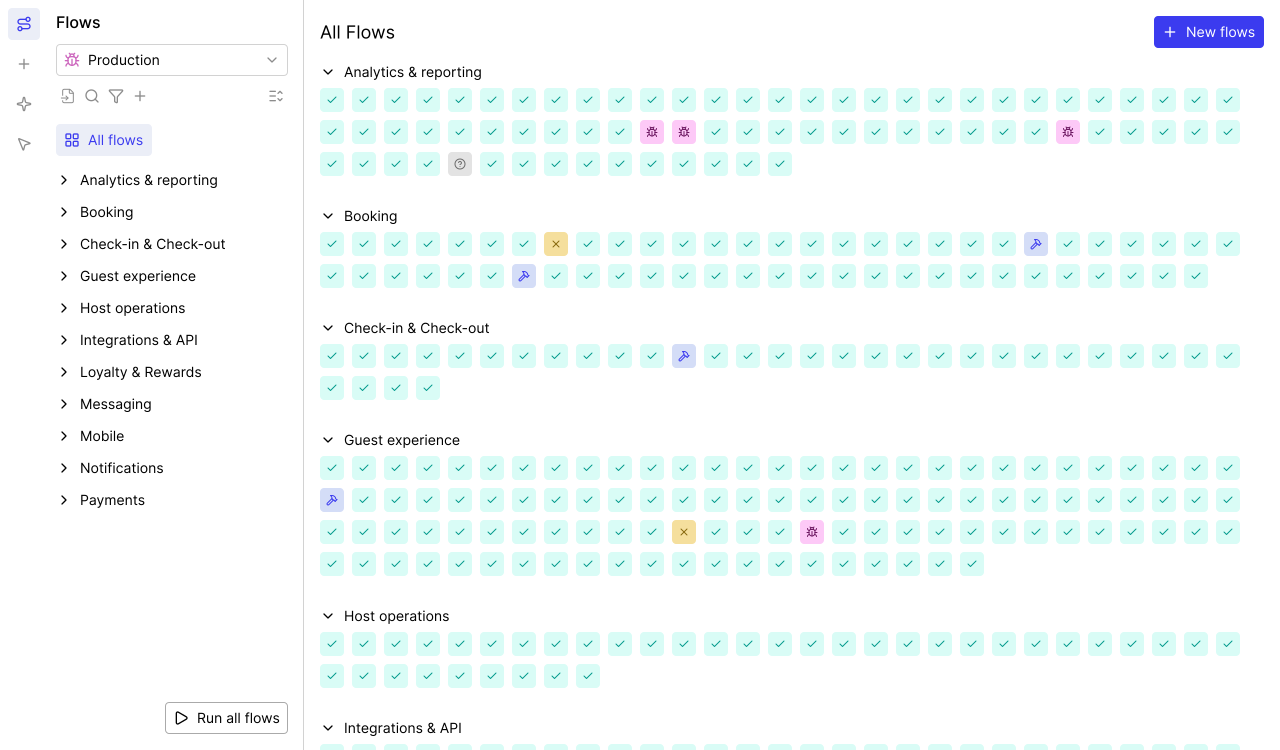
AI Mapping explores your entire app on its own — planning its approach, navigating every page and flow, and mapping 200+ test cases in minutes with zero human intervention.

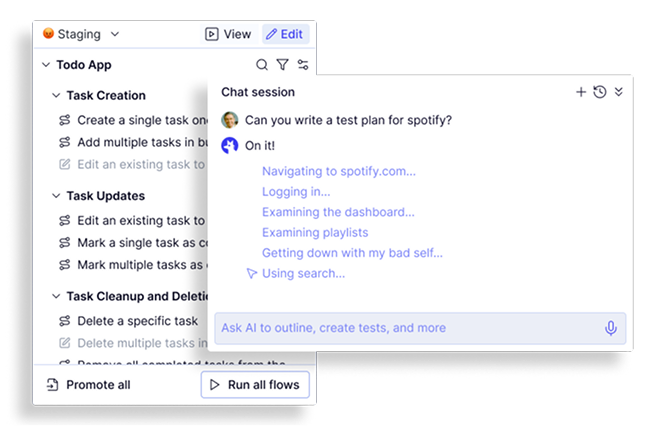
Map: Testing browser coverage starts with finding every workflow
You cannot test websites on different browsers effectively if you do not know which workflows to cover. Teams miss critical paths all the time.
- Autonomous exploration: Navigates your entire application, identifying user journeys.
- Continuous updates: Re-maps automatically as your product evolves.
- Complete coverage maps: Outputs a structured inventory of every testable workflow.
- 200+ test cases in minutes: Delivers the full scope of your web browser testing fast.
- Business logic conversations: Chat with the AI to explain edge cases and specify assertions.
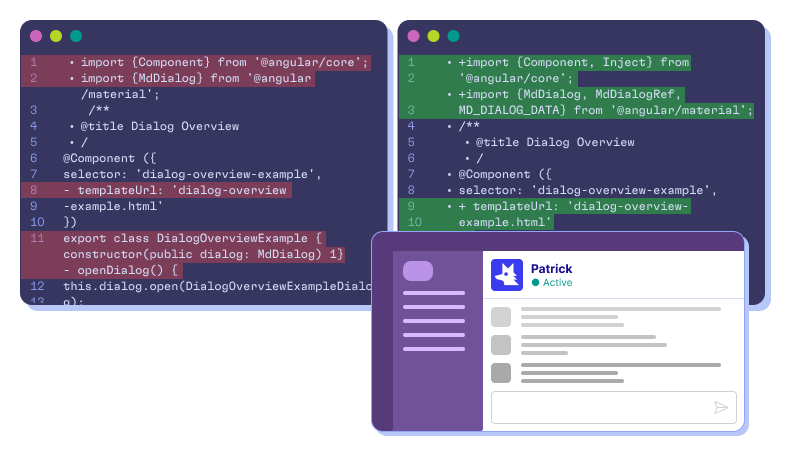
Automate: Web browser testing tools that write real code
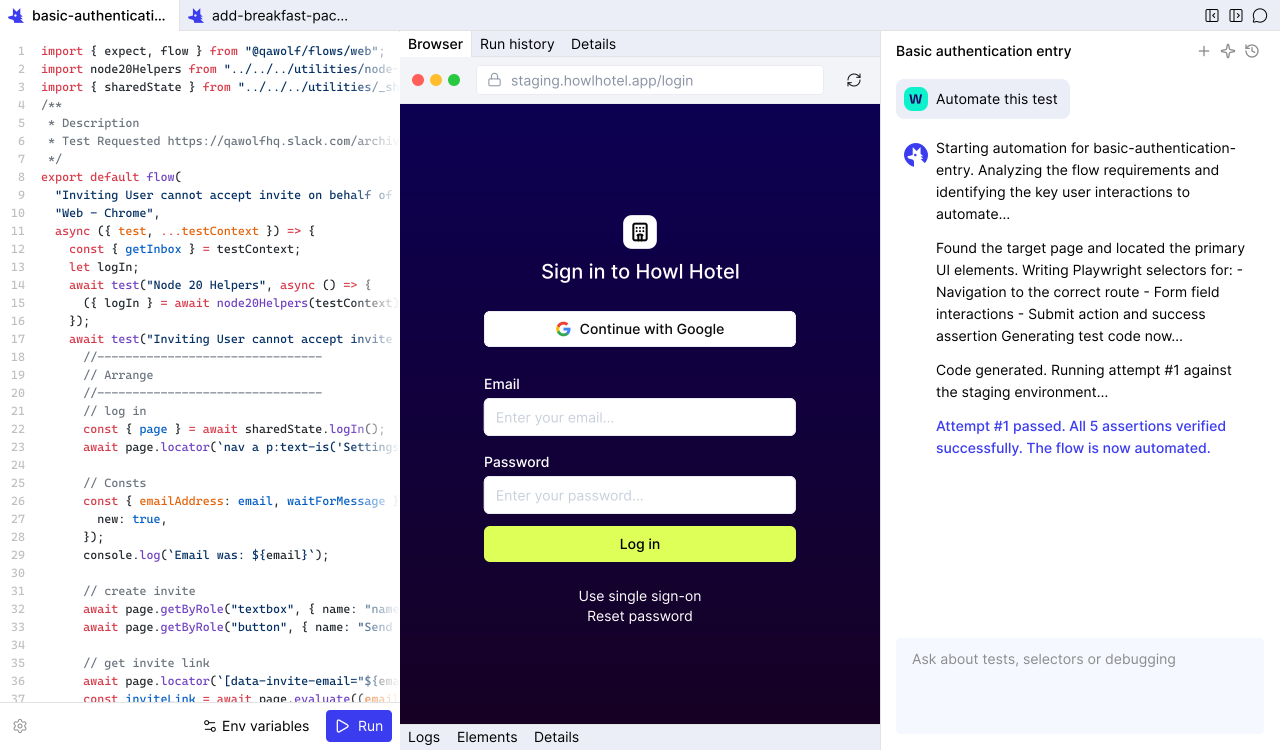
Record-and-replay tools and computer-use agents break on complex interactions. QA Wolf writes actual code — deterministic, portable, and executable across Chrome, Firefox, and WebKit.
- Conversational automation: Refine steps, add assertions, or configure test data via chat.
- Real Playwright and Appium code (coming soon): Readable, deterministic code for web and mobile.
- Complex flow support: Canvas apps, drag-and-drop, email/SMS, multi-user, and MCP.
- Open-source code in GitHub: Every test is yours. No proprietary lock-in.
- 12x faster than computer-use: Computer-use agents waste tokens interpreting pixels.
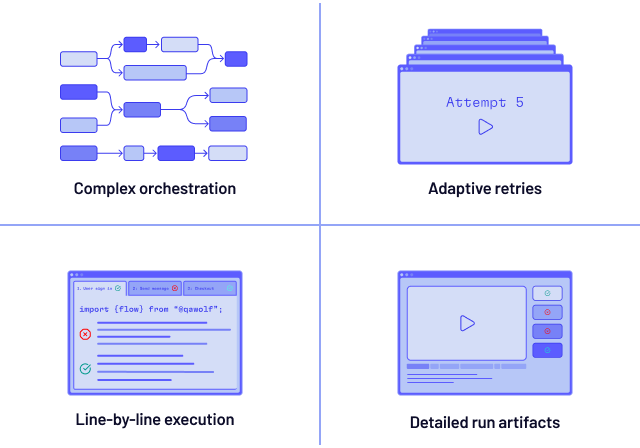
Run: Test website in browsers at full parallel speed
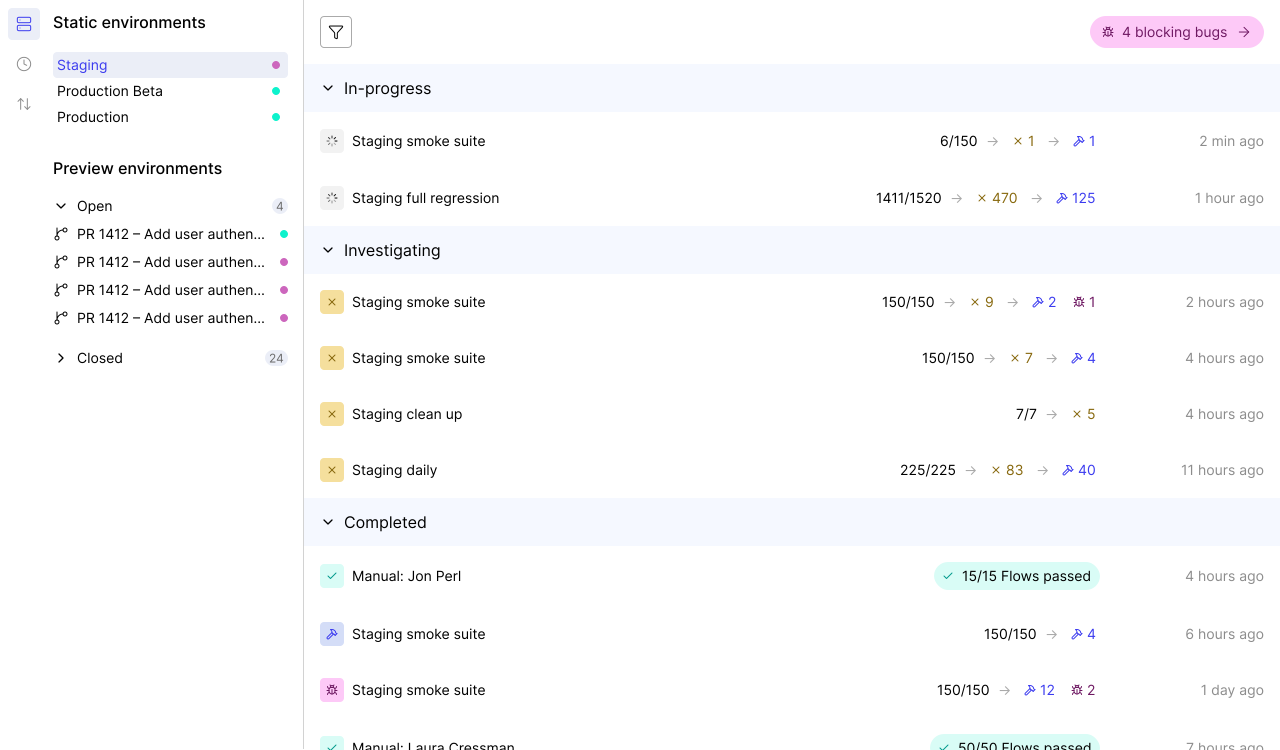
Sequential execution means waiting for each browser to finish before the next one starts. QA Wolf runs your entire test suite across all target browsers at the same time.
- Full debugging artifacts: Video replays, Playwright traces, and network logs.
- Pre-warmed containers: Ready before your tests fire — no cold-start delays.
- Run Rules: DAG-based orchestration lets tests share run artifacts and coordinate multi-user workflows.
- Isolated execution: Each test gets its own container — no shared state.
- 100% parallel execution: Chrome, Firefox, and WebKit tests all run simultaneously.
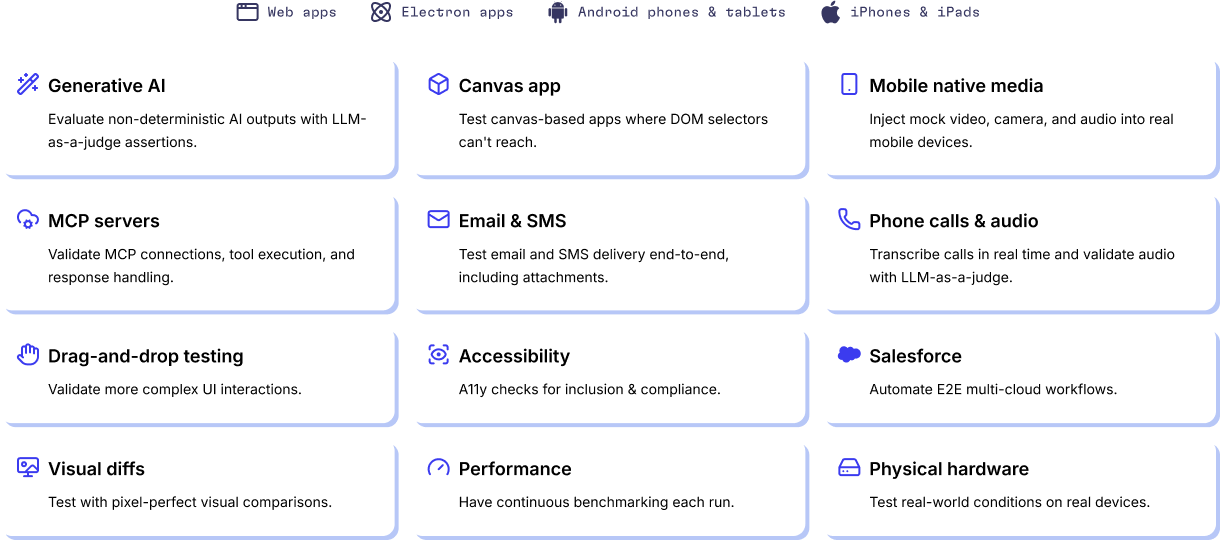
The only web browser testing tools that handle complex applications
Standard testing browser tools fall apart on nonstandard workflows. QA Wolf covers what others skip.
- Feature flags and A/B variants: Every variant and flag combination across-browsers.
- Canvas apps and GenAI output evaluation: Visual rendering, drag-and-drop, and GenAI output validation.
- Web and Electron: Test website on different browsers plus Electron apps.
- Android on GPU emulators: GPU-powered emulation for accurate Android testing.
- Email and SMS verification: Multi-factor auth, email triggers, and SMS codes.
- Salesforce and enterprise platforms: Automate enterprise UIs testing.
- iOS on real devices: QA Wolf's own farm — real iPhones and iPads, not simulators.
- APIs and backend integrations: Database seeding, third-party API calls, and webhook verification.
Teams manage 13x more test cases when they test website in browsers with QA Wolf
Engineers on QA Wolf manage 13x more tests than teams relying on legacy web browser testing tools.
- More releases.
- More edge cases.
- More multi-user scenarios.
An AI Engine designed from the ground up for QA
You’ll get the results you’re after — we guarantee it.






Frequently Asked Questions
Start with analytics — identify which browsers your users actually rely on. Chrome, Firefox, and Safari (WebKit) cover the vast majority. Then map your critical user journeys and build tests for each. Manual checking works for a quick sanity pass, but it does not scale to frequent releases. Playwright lets you write tests once and execute them across three browser engines from a single API. QA Wolf automates this further: AI maps your workflows, writes the Playwright code, and runs the full suite in parallel across Chrome, Firefox, and WebKit on pre-warmed containers. You get complete results in minutes.
Web browser testing tools verify that your application works across different browsers. They range from manual screenshot comparison services to automated frameworks that execute tests on real browser engines. Playwright is the leading open-source framework because it supports Chrome, Firefox, and WebKit natively. Cloud-based browser grids offer parallel execution but add infrastructure complexity and slower startup times. QA Wolf combines AI-powered test generation with Playwright, 100% parallel execution on isolated containers, and automatic test maintenance — so you get a complete web browser testing solution without managing infrastructure or writing tests by hand.
Because browser engines diverge. Chrome, Firefox, and Safari each interpret CSS, JavaScript, and DOM events differently. A release that passes in your development browser can break checkout flows, corrupt layouts, or trigger silent errors in the browsers your customers actually use. Catching these issues after deployment means hotfixes, support tickets, and lost trust. Testing website in browsers before every release turns browser compatibility from a reactive firefight into a predictable gate. QA Wolf runs the full suite in parallel on every deploy, so browser bugs never reach production.