
Website cross-browser testing finds more bugs
Chrome, Firefox, and Safari each interpret your CSS, HTML, and JavaScript their own way. Most cross-browser website testing setups rely on fragile recorded scripts that shatter whenever the UI changes — and rebuilding them eats your sprint and slows you down.
QA Wolf consolidates website cross-browser testing into a single platform where AI maps your coverage, writes the code, and runs it all in parallel. So, you can meet your roadmap on time without bugs.
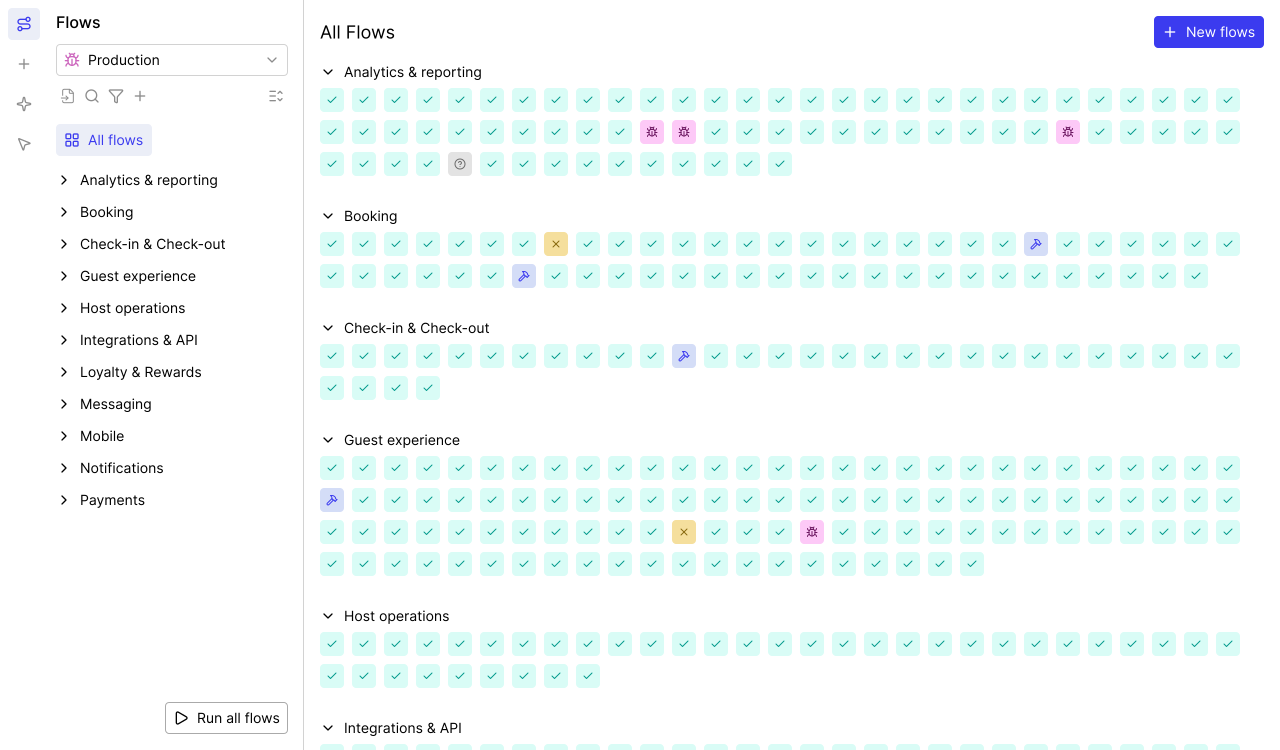
AI Mapping explores your entire app on its own — planning its approach, navigating every page and flow, and mapping 200+ test cases in minutes with zero human intervention.

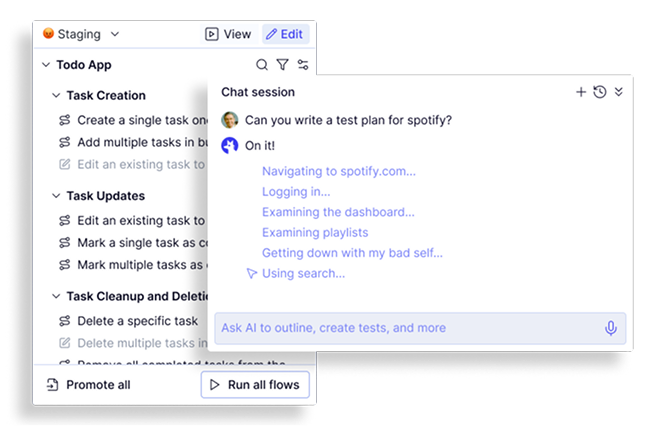
Map: Start website cross-browser testing by finding every user journey
Knowing what to test is the hardest part of cross-browser website testing. Teams skip flows they forgot existed.
- Autonomous crawling: Navigates every page, form, and interactive element.
- 200+ test cases in minutes: Builds a full inventory of testable workflows fast.
- Complete coverage maps: Produces a structured list of every user journey.
- Continuous re-mapping: Automatically updates the coverage map when you update.
- Business logic conversations: Chat with the agent to define assertions and explain complex app behavior.
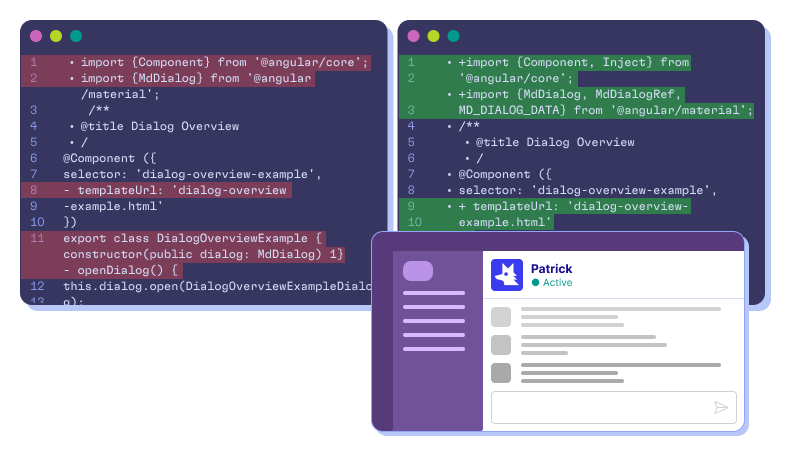
Automate: Cross-browser website testing built on real Playwright code
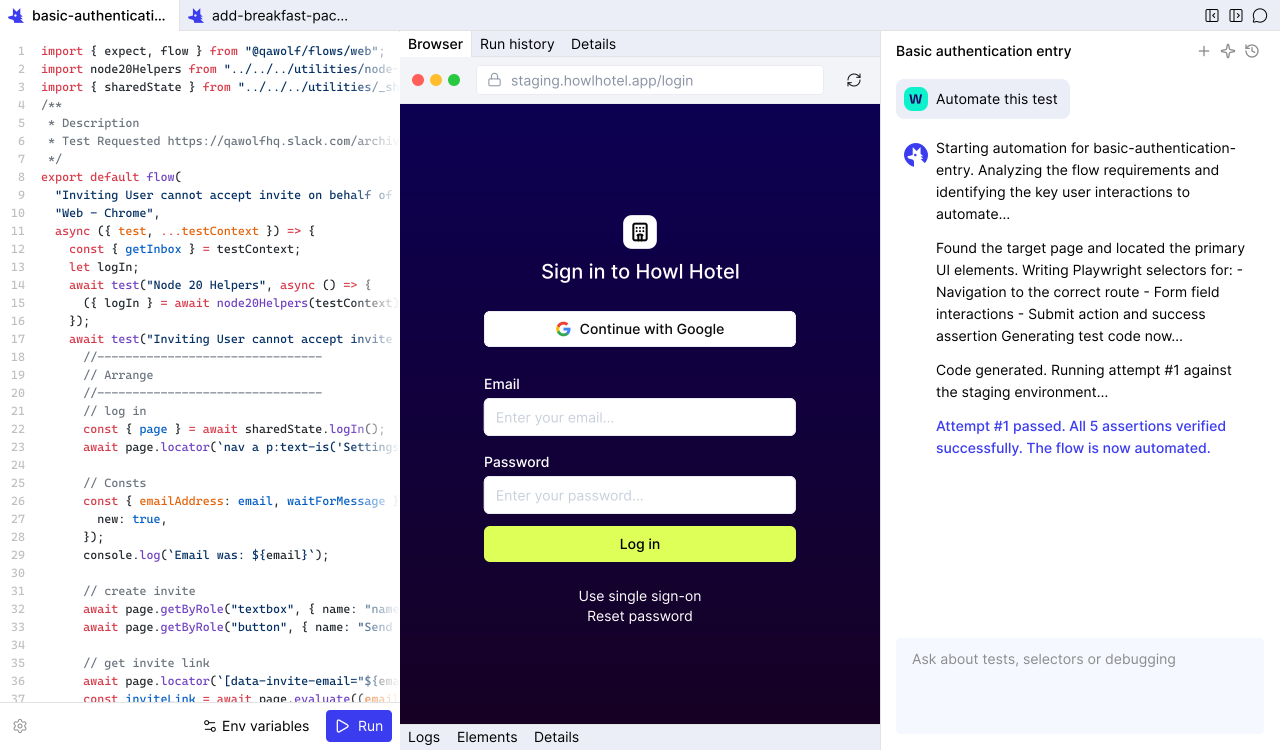
Record-and-replay tools and pixel-scraping agents collapse on complex workflows. QA Wolf writes actual code for cross-browser website testing.
- Open-source code: Every test belongs to you. No vendor lock-in.
- Conversational refinement: Chat to adjust steps, insert assertions, or configure data.
- 12x faster than computer-use: Computer-use agents waste tokens interpreting screenshots.
- Real Playwright and Appium code (coming soon): Deterministic, readable, and portable.
- Complex flow support: Canvas interactions, drag-and-drop, email/SMS, multi-user, and MCP.
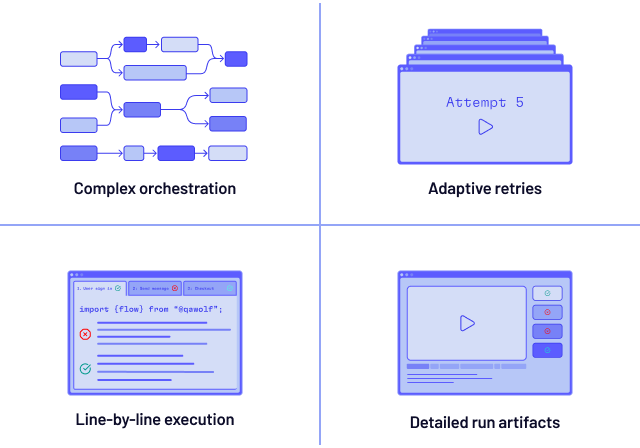
Run: Website cross-browser testing software that finishes in minutes
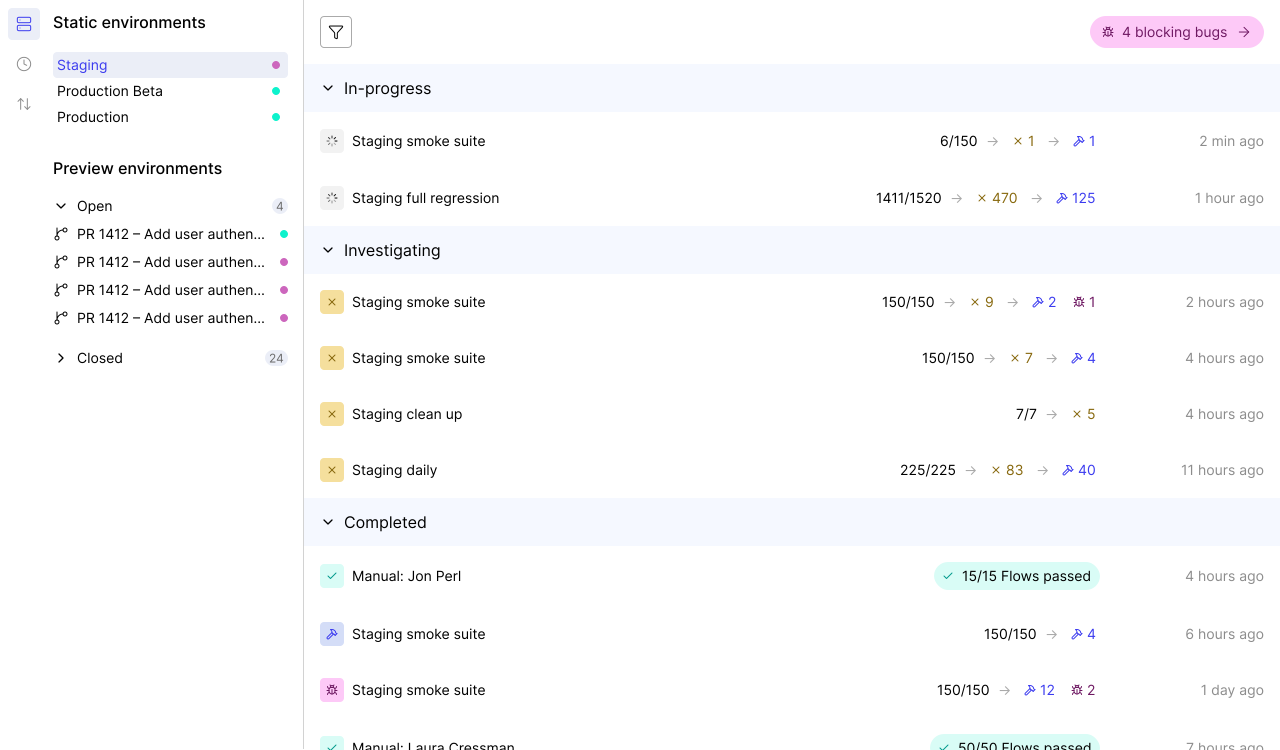
Sequential test execution turns a 10-minute suite into an hour of waiting. QA Wolf runs your entire website cross-browser testing suite at the same time.
- Pre-warmed containers: Containers are ready, eliminating cold-start delays.
- 100% parallel execution: Every test fires simultaneously across-browsers.
- Run Rules: DAG-based orchestration shares run artifacts and coordinates multi-user workflows.
- Full debugging artifacts: Playwright traces, video replays, and network logs.
- Isolated execution: Each test gets its own container — fewer flakes.
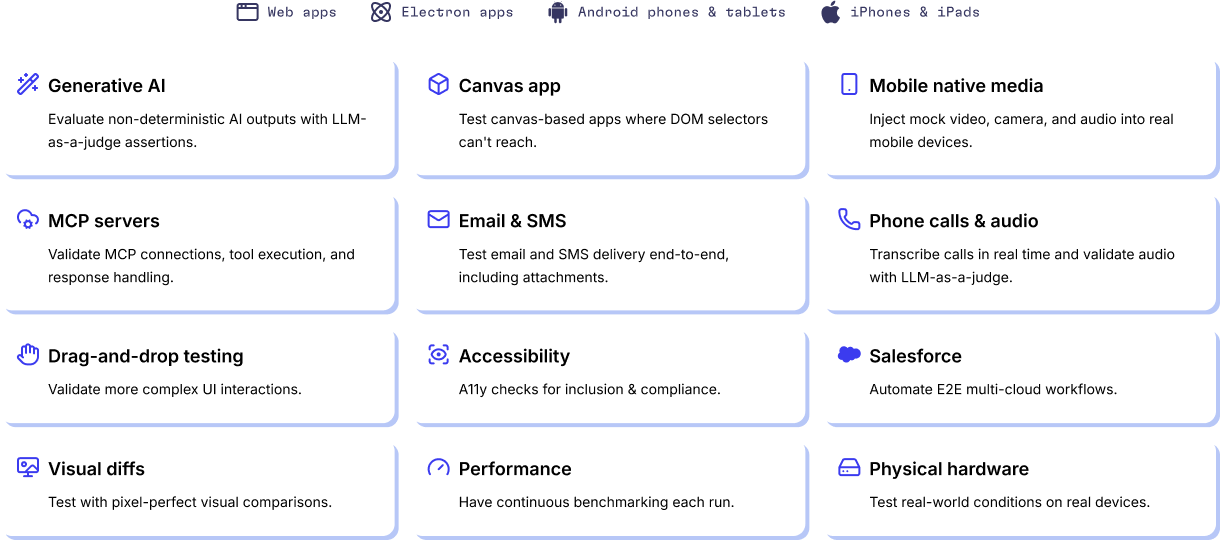
The only cross-browser website testing tools designed for nonstandard apps
Standard website cross-browser testing breaks down when your app does something unusual. QA Wolf covers the edge cases other tools ignore.
- iOS on real devices: QA Wolf maintains its own device farm — real iPhones and iPads.
- Canvas apps and GenAI: Validate visual rendering, drag-and-drop, and GenAI outputs.
- Email and SMS verification: Multi-factor auth, email triggers, and SMS codes.
- Web and Electron: Full coverage across desktop browsers and Electron applications.
- APIs and backend integrations: Database seeding, third-party API calls, and webhooks.
- Android on GPU emulators: GPU-powered emulation for Android.
- Salesforce and enterprise platforms: Test hard to test enterprise UIs.
- Feature flags and A/B variants: Cover every variant and flag combination easily.
Teams handle 13x more website cross-browser testing with QA Wolf
Engineers on QA Wolf manage 13x more tests than teams stuck with legacy cross-browser website testing tools.
- More releases: Teams using QA Wolf ship up to 5x more frequently because website cross-browser testing no longer stalls the team.
- More multi-user scenarios: Validate collaborative workflows, concurrent sessions, and real-time features across every browser.
- More edge cases: Catch CSS quirks, JavaScript inconsistencies, and layout shifts that only surface in specific browsers.
An AI Engine designed from the ground up for QA
You’ll get the results you’re after — we guarantee it.






Frequently Asked Questions
Identify the browsers your audience actually uses — Chrome, Firefox, and Safari cover the vast majority of traffic. Build a test plan around your critical user journeys and run those tests in each target browser. Manual spot-checks work for one-off validation, but they do not scale. Automation frameworks like Playwright let you write tests once and execute them across Chrome, Firefox, and WebKit from a single API. QA Wolf goes further: its Mapping AI discovers your user journeys automatically, its Automation AI writes real Playwright code from natural-language prompts, and the entire suite runs in parallel across all target browsers on pre-warmed, isolated containers.
The most common failures are CSS rendering differences — flexbox and grid layouts that look correct in Chrome but collapse in Safari. Font rendering, scrolling behavior, and date/time inputs also behave differently across-browsers. JavaScript APIs that exist in one browser but not another (or exist with different behaviors) cause silent failures. Animations and transitions can stutter or skip frames depending on the rendering engine. QA Wolf catches these issues by running real Playwright code against Chrome, Firefox, and WebKit simultaneously, with full video replays and traces so you can see exactly where the discrepancy appeared.
Start with your analytics data. For most B2B and B2C applications, Chrome, Firefox, and Safari (WebKit) cover a large majority of user traffic. If your users include enterprise teams, Edge matters too — though it shares Chromium's engine with Chrome, so most rendering issues are identical. Mobile Safari on iOS and Chrome on Android are worth testing separately because viewport behavior, touch events, and scroll physics differ from desktop. QA Wolf supports Chrome, Firefox, and WebKit natively, plus real iOS device testing on its own device farm and Android testing on GPU-powered emulators.