Moving 250 pages off Webflow is almost never worth it. You spend months migrating, and at the end you're right back where you started: the same site, somewhere else.
In October we did it in under a week. We redesigned a large part of qawolf.com, our pages load about a third of the code they used to, and we ship them much faster.
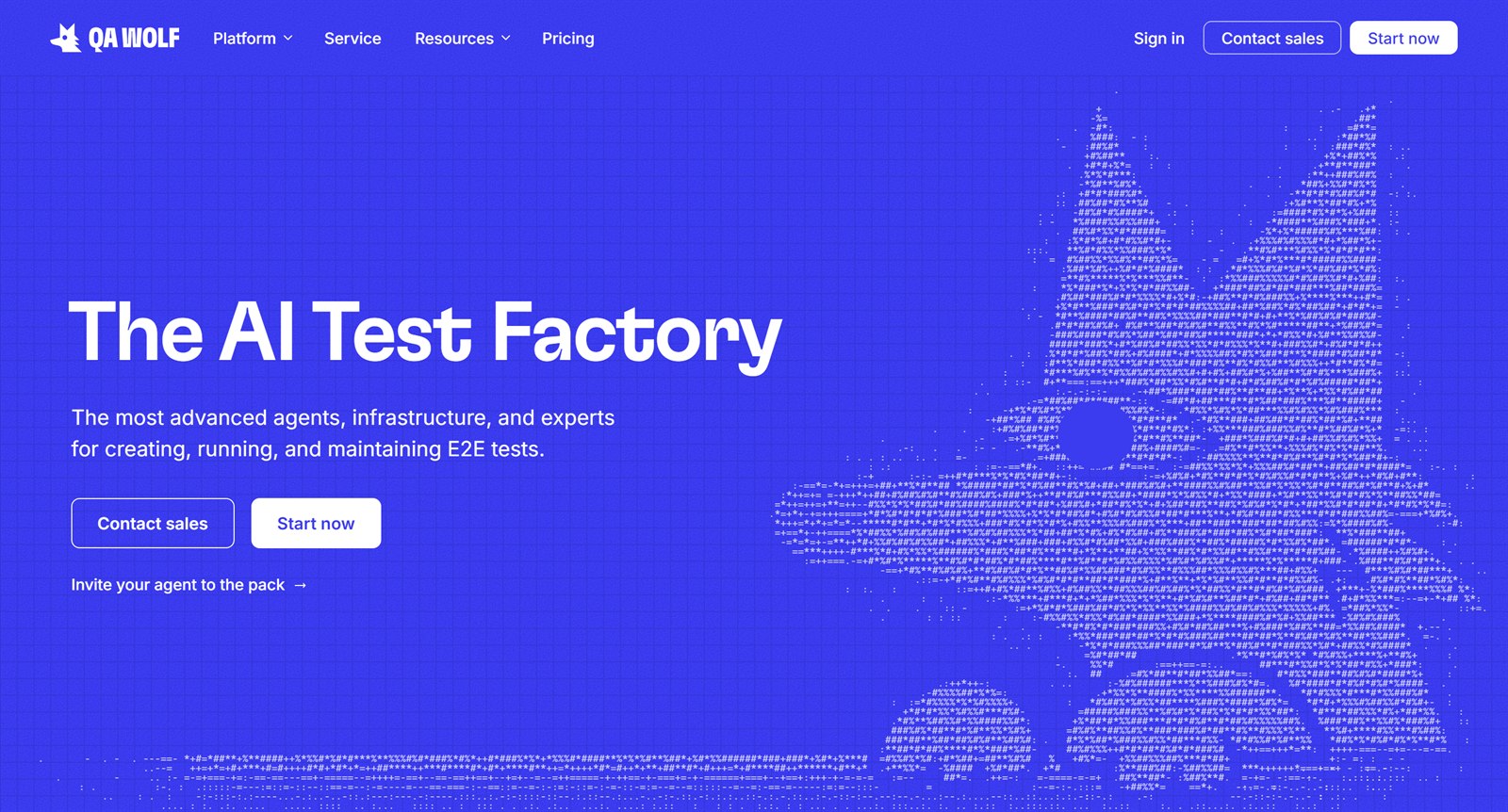
Working with AI hasn't made us care less about design. It's freed us to focus on the narrative and the polish. We're no longer debating whether we can build something, or whether it's worth how long it'll take. We can just tell the story we want to tell.
Why we moved
QA Wolf has been a lot of things: an early-stage startup, a service business, a product-service hybrid, and now a product-forward company. Each one left its own layer on the site, and showing the company we are now meant changing how we build it.
We liked Webflow for its CMS, and because less technical teammates could contribute. As the site grew, though, contributing got so hard that design became the bottleneck.
The Webflow Designer wasn't intuitive, and managing classes was really hard. Combo classes were a nightmare. Components weren't used consistently, and many pages had one-off builds. Our design system lived in a separate project, with variables reaching pages all over the site. Page branching existed, but it was hard to tell what a merge would overwrite.
Some of that was Webflow, some was us. Either way, changing anything meant knowing Webflow well and knowing how our site was built, so contributing from outside design was basically impossible.
We were building everything twice
Our process changed a few times, and each change moved us further from Webflow:
- 01
Design in Figma, build in Webflow.
- 02
Design in Figma, prototype in code, then recreate it in Webflow with help from its MCP.
- 03
No Webflow. Design, write and prototype at once, in one place. We use Figma to refine our graphics and illustrations.
We prototyped in code because Claude made it fast, and a prototype in code shows real interactions, motion, and how a page holds up at every screen size. The site still lived in Webflow, though, so every page got built twice. Even with Webflow's MCP server, it felt like working through a middleman when Claude could just make the edits directly. Getting to step three meant leaving Webflow behind.
What this unlocked
We used to spend weeks getting a design signed off before anyone could build it, with tons of back and forth. Even once a page was built, new feedback meant rebuilding components, and that took forever.
Now anyone can pitch a page. Design owns the guide, and it goes well past colors and type: page templates, section layouts, how text sits alongside graphics, how charts are structured, and the components every page is built from. Leadership, content and marketing build on top of it, so an idea shows up as a working page instead of a doc or a mockup.
There's no handoff. We all iterate on the same pull request, in live code, until it ships. Vercel makes that easy: every pull request gets its own preview link the moment it's opened, so anyone can share it and review it with the team.
Our new pricing page was the first built this way, and it went from first draft to live in two days. Leadership stood up a wireframe. Our content team refined the copy and prototyped ideas for the graphics. Then design reworked the layout and graphics until the pricing read as simple as it is.
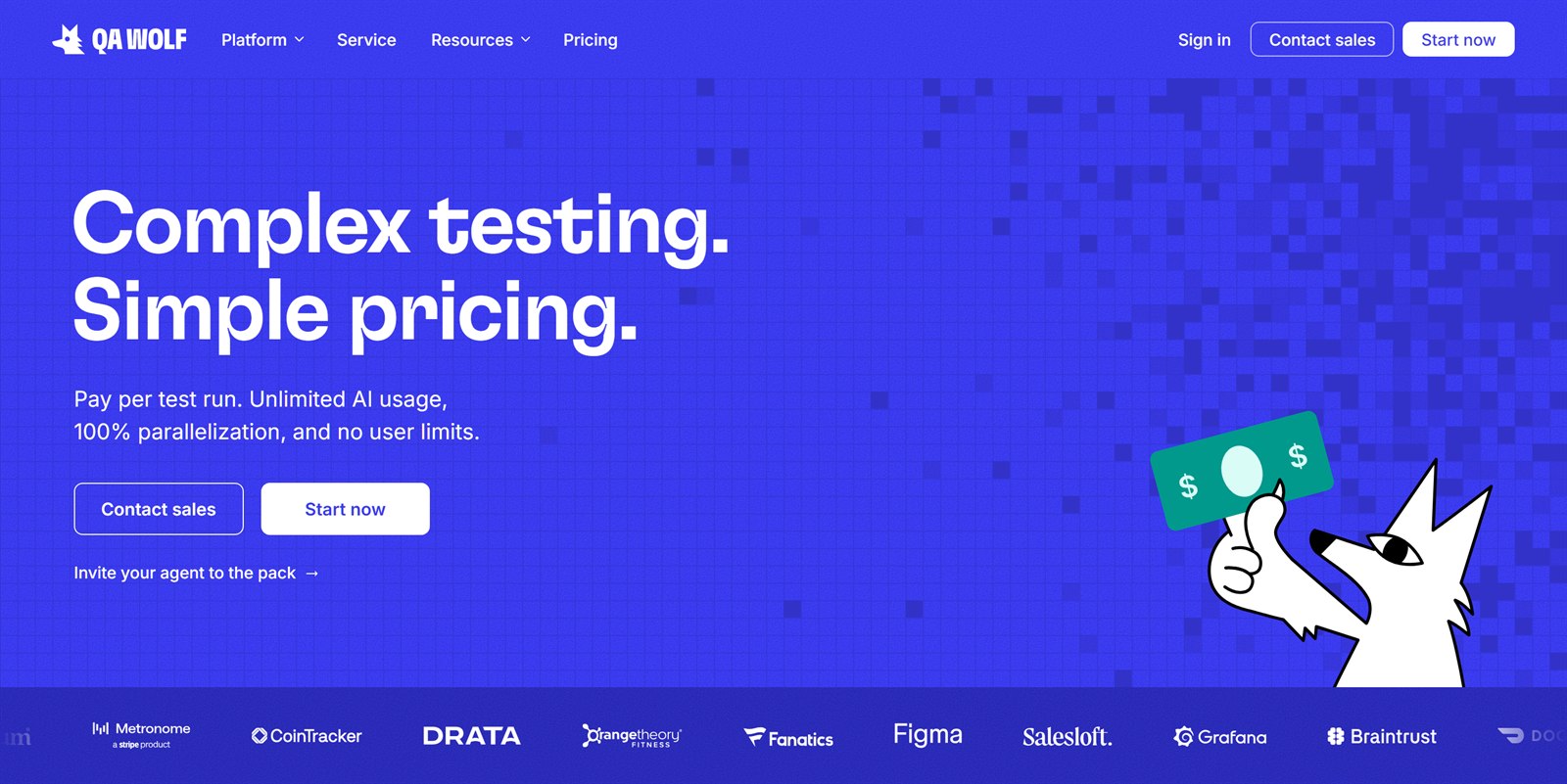
This is how modern marketing teams should work. It cuts out the slow parts of shipping a page: the handoffs, the rebuilds, the waiting. Our team is pretty technical, so it came easier to us. Other teams can get there too, with a bit more groundwork.
Posts that do more
There's no CMS anymore. Blog posts and changelog entries are MDX files, Markdown that can hold our components. Content writes the copy, and Claude opens a pull request, which gets its own preview. Once it's merged, it's live. Every change to the site works the same way.
An MDX file, this post's, goes up in a pull request on GitHub, and Vercel deploys a preview of it as soon as the pull request opens.
It's also much easier for content to make their own graphics, charts and diagrams. They're built in code, right in the post, without waiting on design. Every one is listed in our design guide. For our post on AI Investigation, content used Claude to turn our own data into this:
The design team can review every graphic at once, and codify whatever keeps coming up in the guide. Some of it is visual aids, like animated arrows, lists and bar charts. Some of it is our product's concepts, like how we show a run or our AI at work. Both become the defaults the next graphic starts from. And it makes us easier to follow across the site: a visitor who's seen how we show a run on one page will recognize it on the next.
A design guide that keeps up
Our agent is told to build from the design guide first. If a page needs something the guide doesn't cover, it asks, and anything new gets added to the guide in the same change. So the guide never falls behind the site, and nobody has to build and maintain a design system by hand.
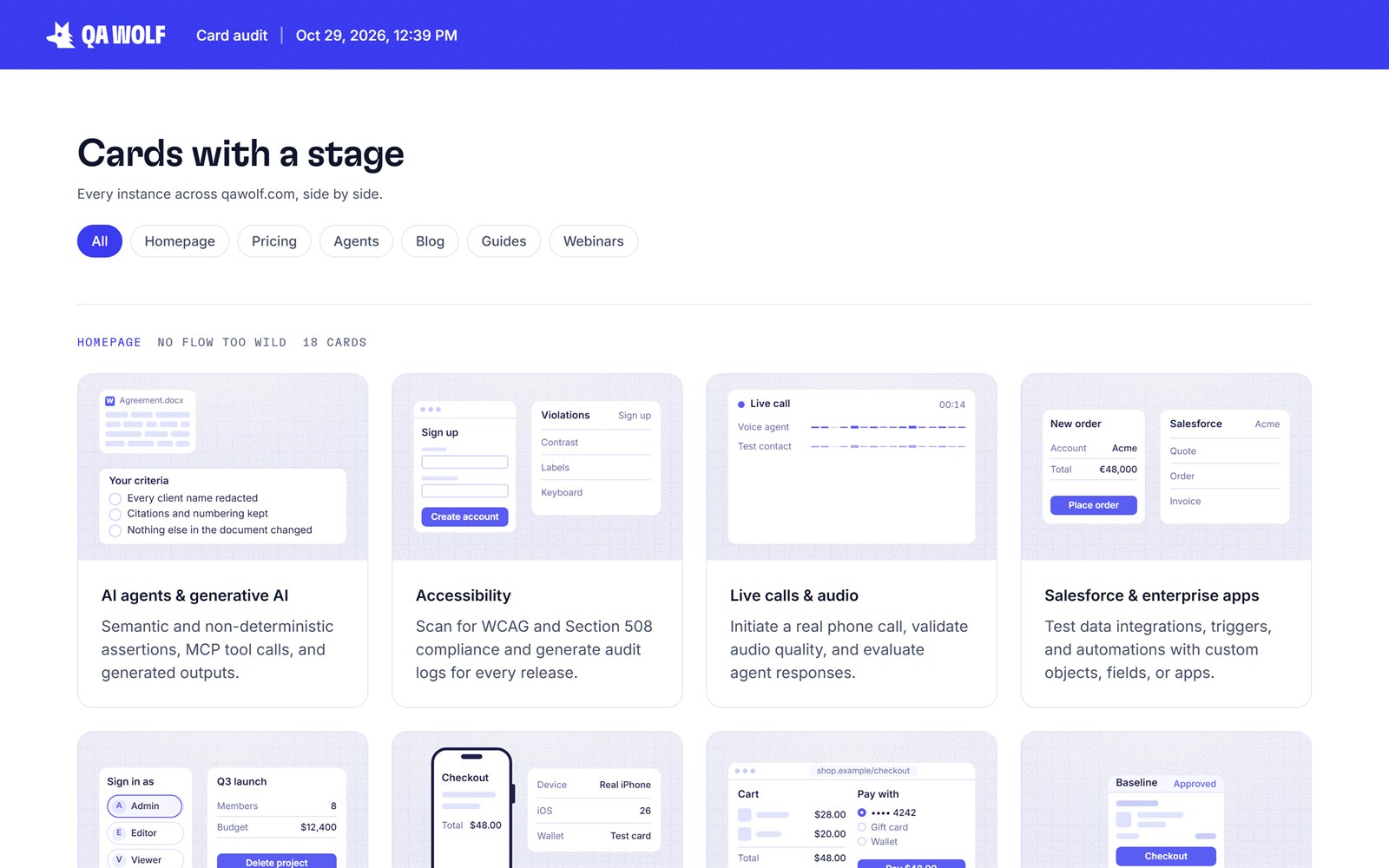
Auditing is easy: ask where a component is used, and the agent finds every instance and lays them out side by side. No hunting through pages, and a full overview whenever you need one.
The real product, on our site
Our agent can read our product's codebase, so the product screens on our site are built from the real thing, down to its exact values and icons. Not screenshots, and not recreations. And because they're code, they're responsive. When the product changes, we ask Claude to bring them up to date.
Three parts of the QA Wolf app's run page. A flow list: the run summary with 4 questions, status tabs (5 failed, 3 bugs, 3 blocked, 139 passed, 150 in all) and 5 failed reservation flows. The run's results menu: 150 flows started, 5 failed and waiting on you, 3 bugs found, 3 blocked, 139 passed with 3 auto-maintained. And a bug report the AI updated: submit stays disabled on a complete form.
Honestly, this feels like black magic. I still have a hard time believing it's real.
Cutting out production work
Every blog post and changelog entry needs a share image, the one that shows up when a link is posted on LinkedIn or Slack. Each one used to mean opening a template, editing it, exporting it and uploading it.
Now they're drawn from coded templates every time the site builds. A blog post's comes from its card on the blog, with the same topic color and title, and a changelog's entry carries the feature's name. Someone who clicks a shared link lands on a page that looks like the image that got them there.
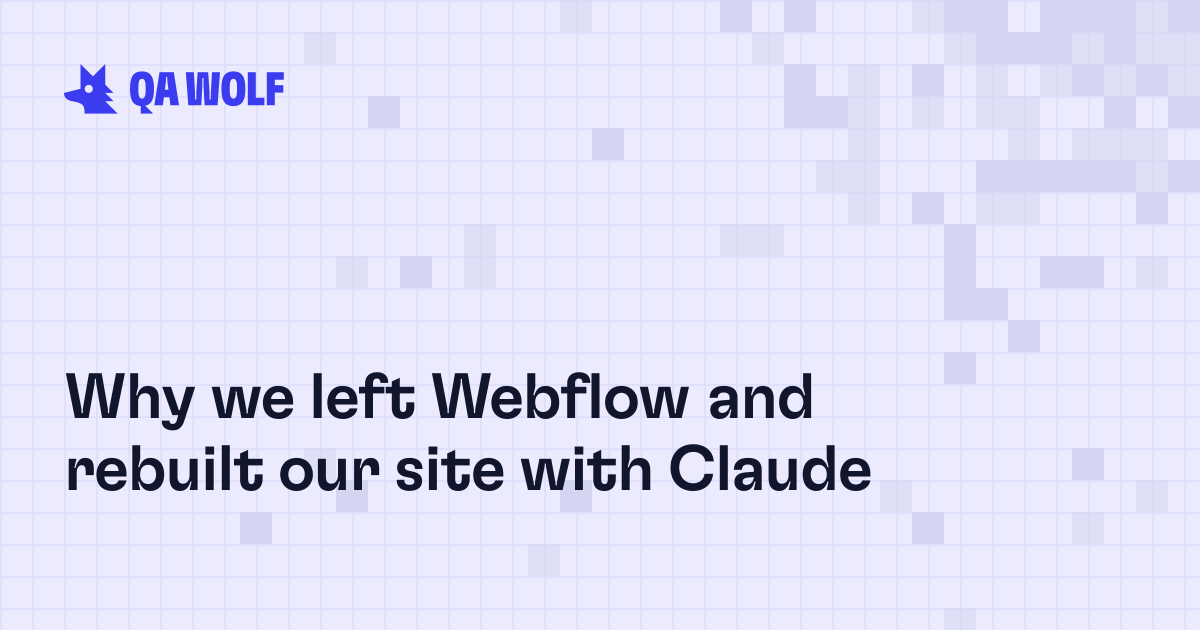 Its share image, drawn from the card when the site builds.
They can't go stale, either. Reword a title or move a post to a new topic, and its share image follows. Nobody has to make one by hand.
Lighter pages
Lighthouse kept flagging our page size and load time as room for improvement. Every page used to load Webflow's whole stylesheet, all 8,067 rules, plus 1.2MB of its scripts.
Now each page carries only the styles it uses, a few hundred rules at most, and no page loads Webflow's scripts. All in, a page loads about a third of the code it used to.
How we did it
The thought of migrating a not-quite-legacy site of 250-ish pages made me nauseous, but we had to rip the band-aid.
Our one rule was port first, then redesign. A lot of the work was really just wrangling all the styles we'd built up over the years. We did it with Claude Code, though Codex or any other coding agent works on the same code. It came together in six steps:
- 01Set the direction
A Next.js site in GitHub, deployed on Vercel like our other projects. No CMS, because Claude Code is the editor: every post is an MDX file in the repo, checked against a schema as the site builds.
- 02Built the shared parts first
The nav, footer and global styles, so there's only one of each. Then the homepage, matched to the pixel.
- 03Ported every page as it was
The changelog first, the smallest, to prove the pattern. Every page kept its address and only the styles it actually used.
- 04Redesigned as we went
The blog, changelog, webinars and guides, all rebuilt on the design guide.
- 05Moved the behind-the-scenes stuff
Analytics, cookie consent, forms and redirects. Event sign-ups and consent records went into a Supabase database.
- 06Switched the domain
Then cut what we didn't want, each with a redirect, and fixed what came up.
What AI was good at
AI is what made this doable in days instead of months. It took on the tedious parts we'd normally dread:
Keeping old and new apart
Ported pages and redesigned ones lived side by side without breaking each other's styles.
Never losing track
Every page and decision went into one migration doc as we worked, so it always knew what was done, what was left and why. Basically unlimited memory.
Checking every change
Every page was compared with the live site at desktop and mobile breakpoints. This would normally take weeks.
The stuff nobody sees
The riskiest part of a migration is the stuff nobody sees but everyone would notice if it broke.
Redirects
Every old redirect kept, and all 448 addresses in the old sitemap accounted for.
Cookie consent
Webflow's consent tool couldn't come with us, so we rebuilt it.
Forms
Our forms still pass along the campaign, ad, or page that brought each visitor in, so marketing can see what's working.
Analytics is the one thing we got wrong. Our tracking only runs on qawolf.com itself, so we couldn't fully test it until the switch went live. When it did, analytics went dark for about a day. AI had rebuilt our cookie consent and checked that Tag Manager loaded, but our tags were waiting on signals from the old consent tool, and nothing sent them anymore. Everything loaded. Nothing fired.
Was it worth the jump?
Yes.
Leaving Webflow was the kind of change we'd have kept putting off. Most migrations take months and leave you with the same site, somewhere else. That's hard to justify when you could spend those months shipping something new. Ours took under a week, and we ended up in Valhalla. The site is snappier and easier to maintain, the bloat is gone, and soon we won't be paying for another tool. Our process got better too: leadership, content and design all build on the same code, with no handoffs.
If a tool is slowing your team down, the switch is probably smaller than you think.